Der_Kanzler
Members
-
Benutzer seit
-
Letzter Besuch
-
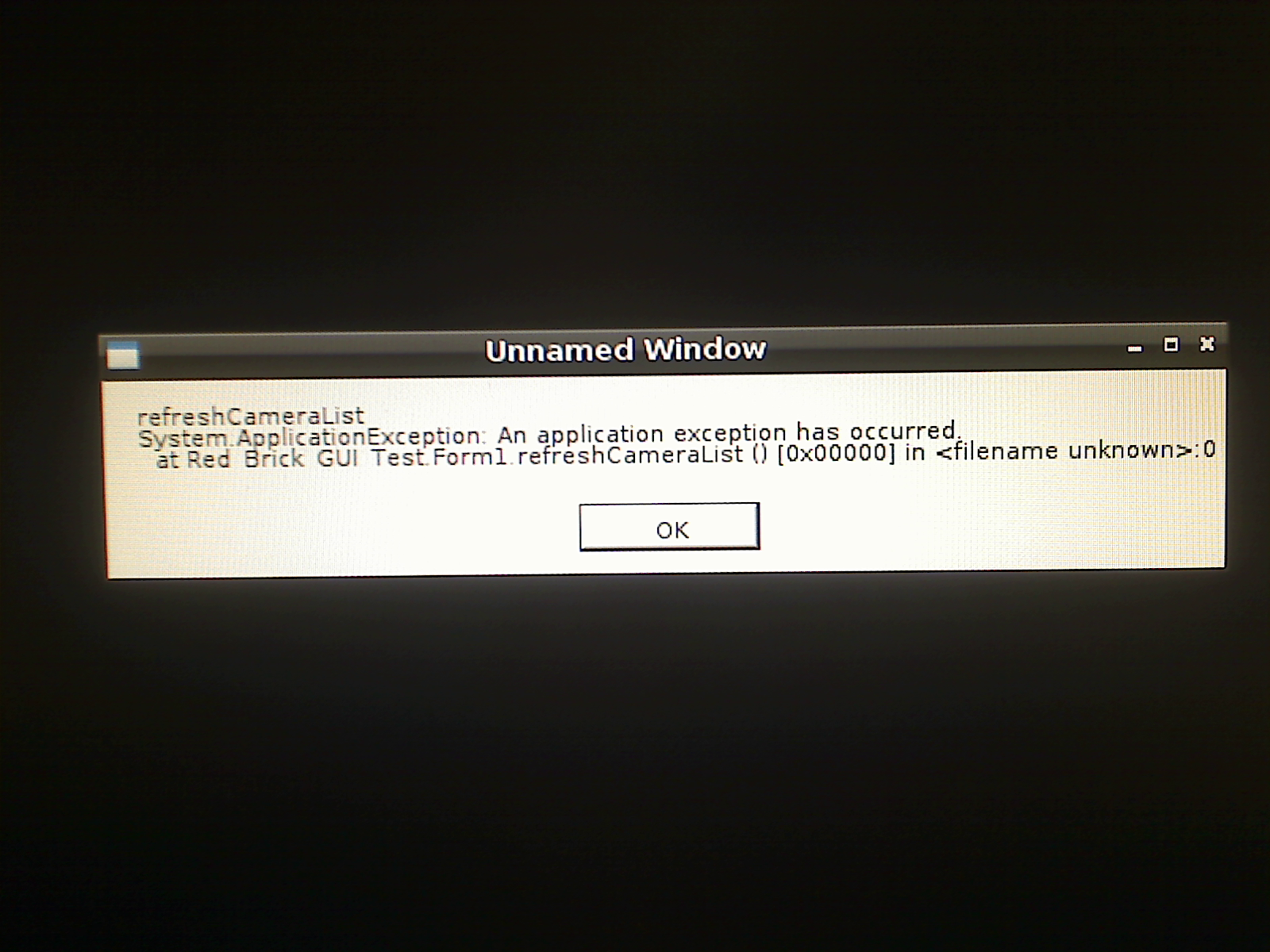
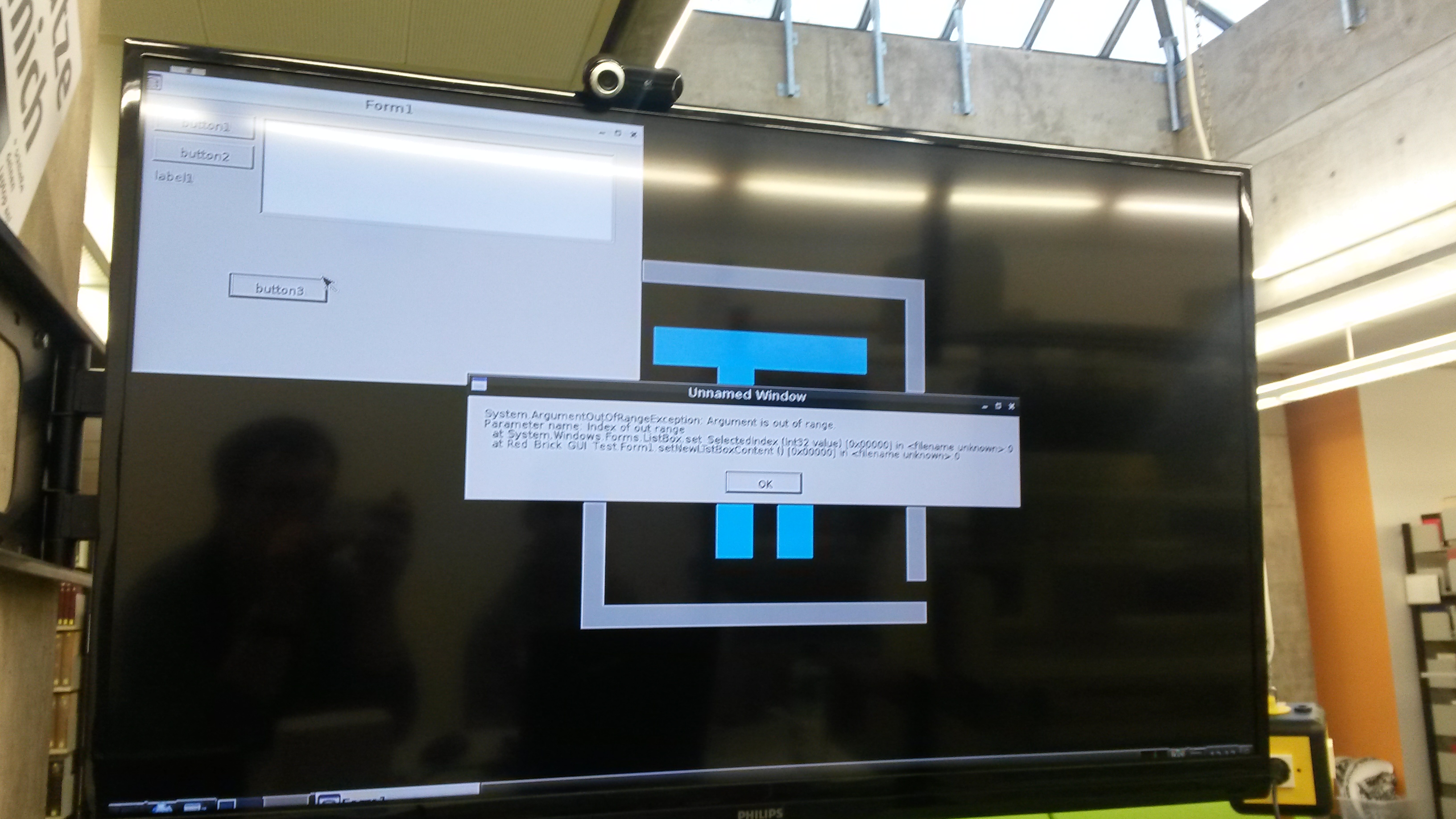
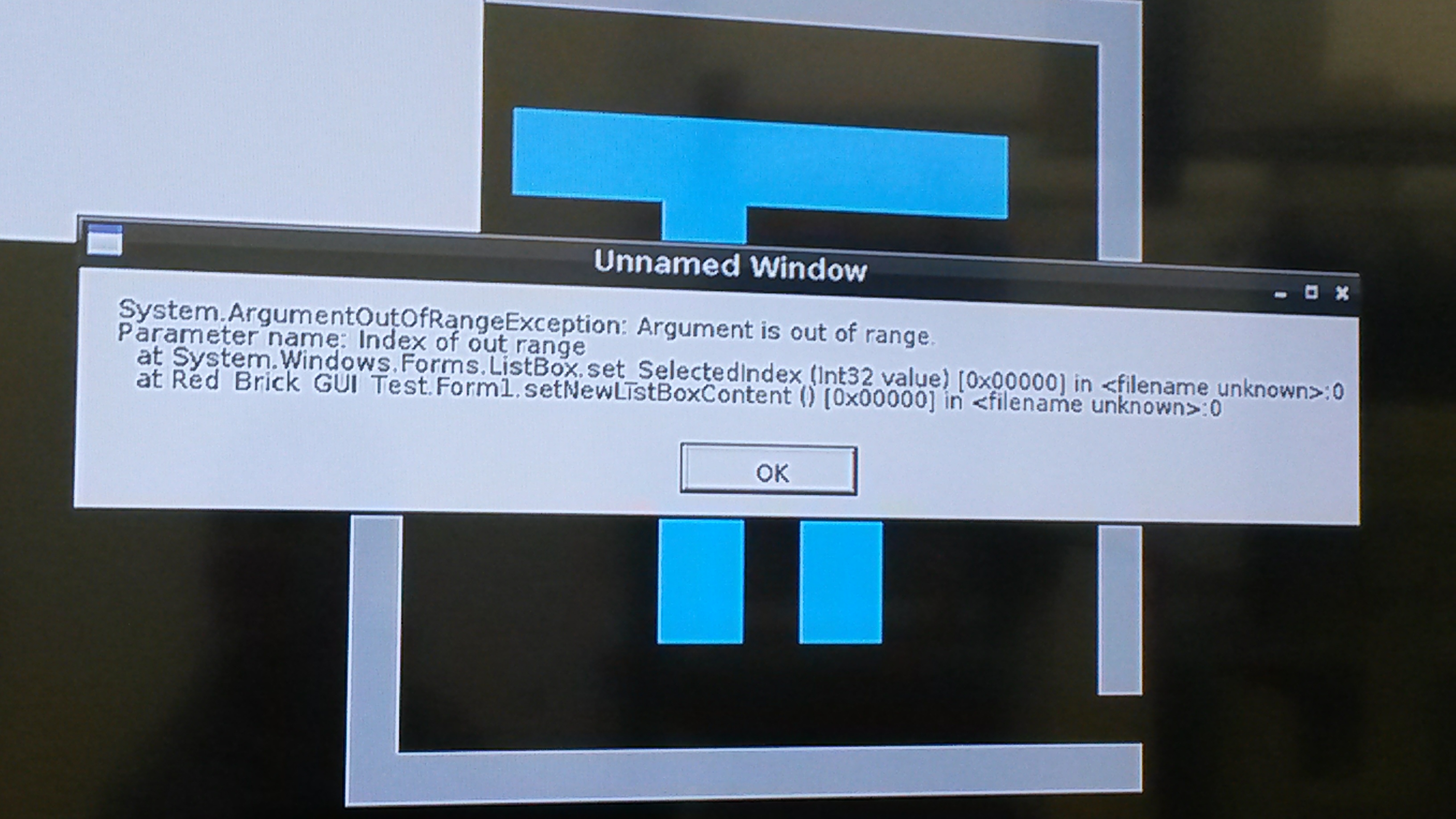
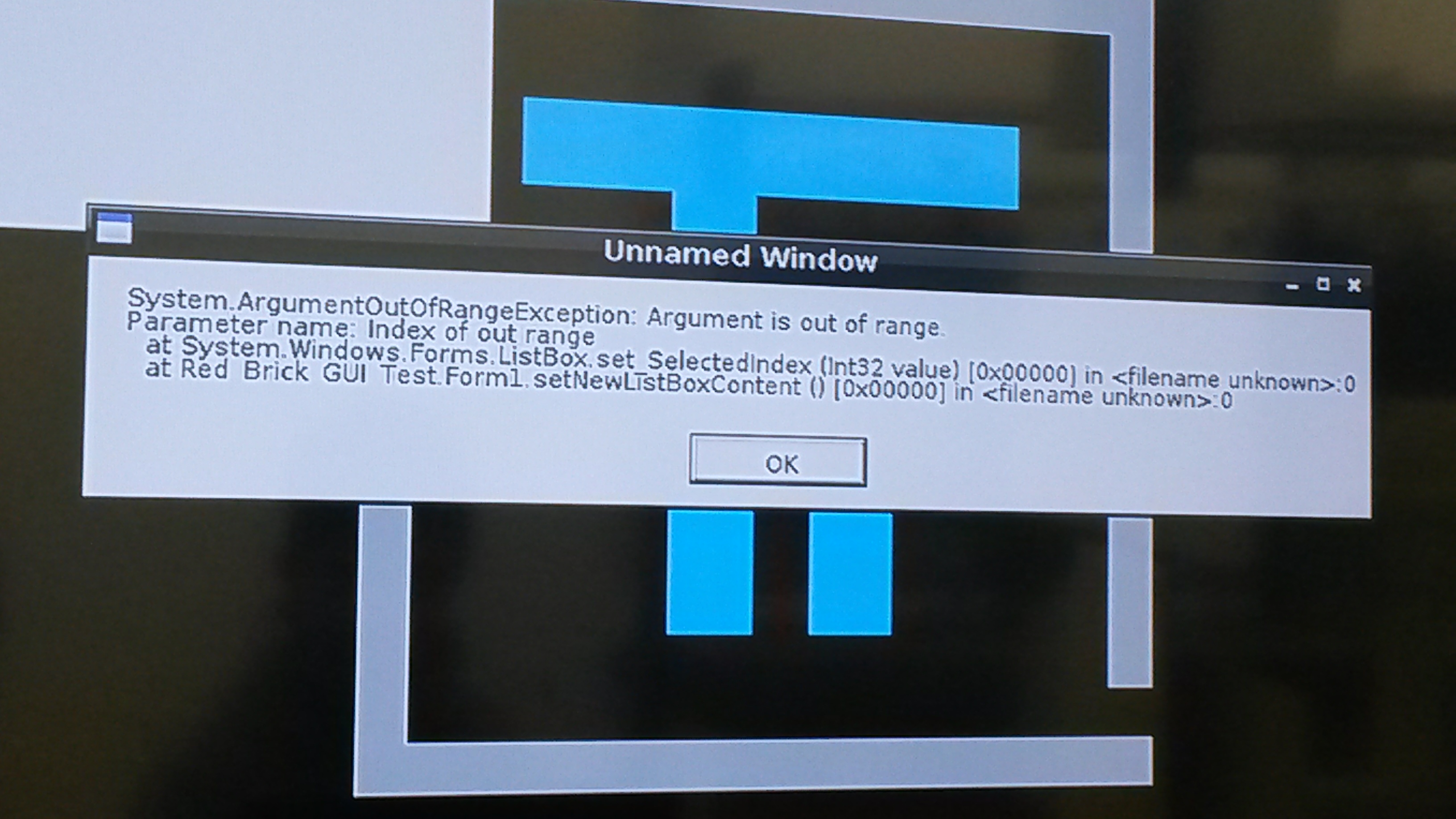
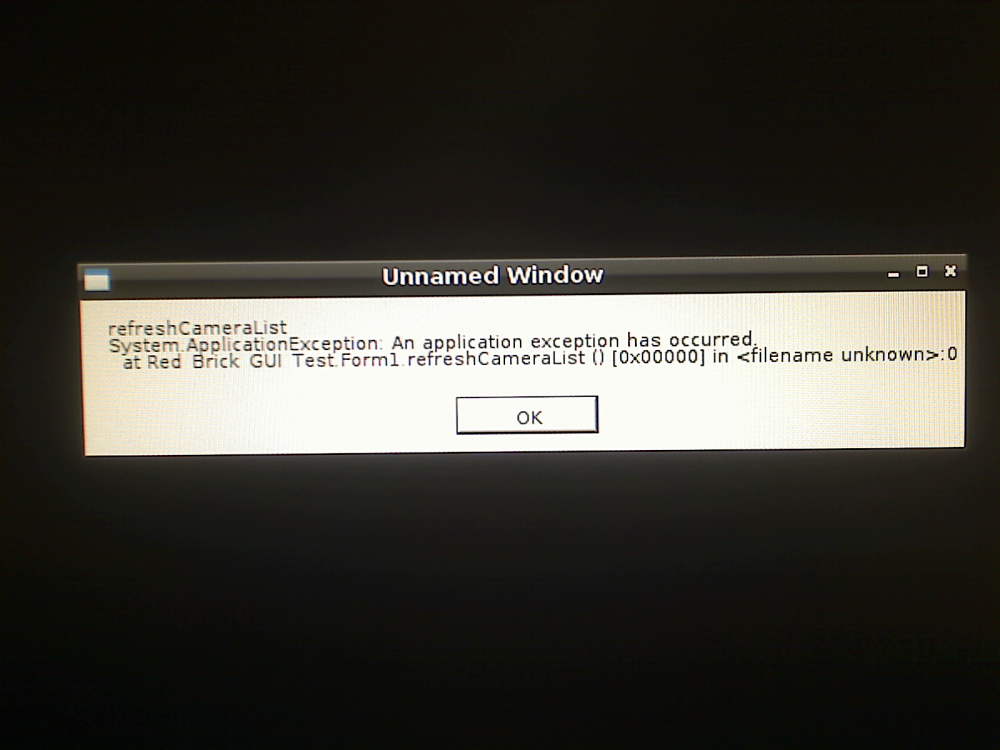
Hi, ich habe die exeption nicht mehr ignoriert sondern gefangen.
-
Ja, die kamera wird von linux erkannt.Und die kamera ist von logitech 9000 pro
-
Mein Quellcode Programm_mit_Quellcode.zip
-
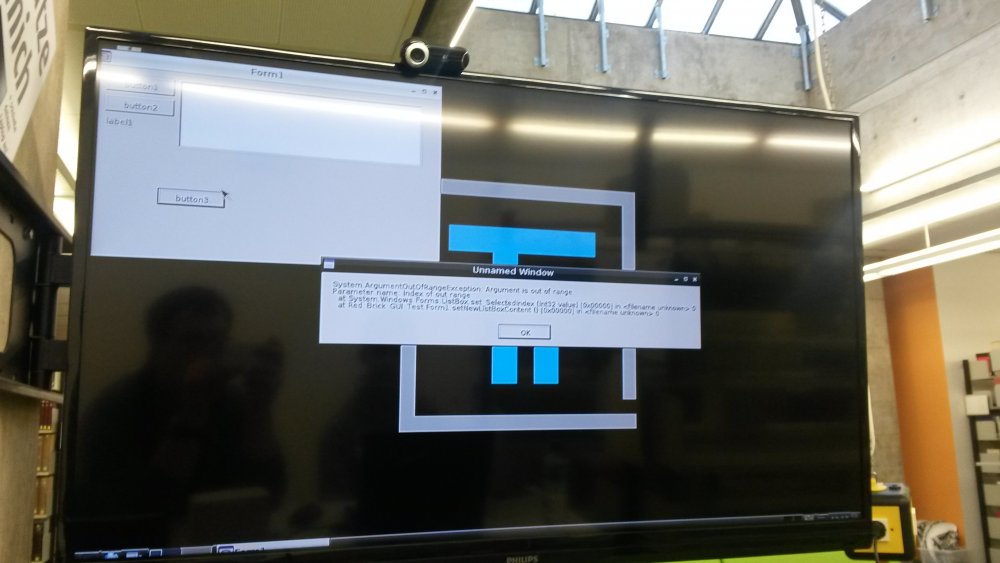
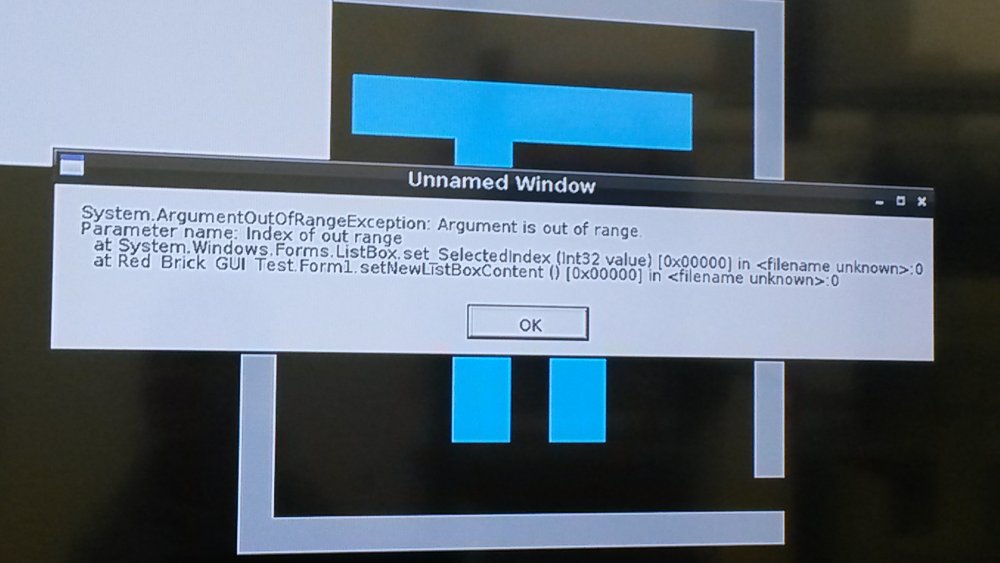
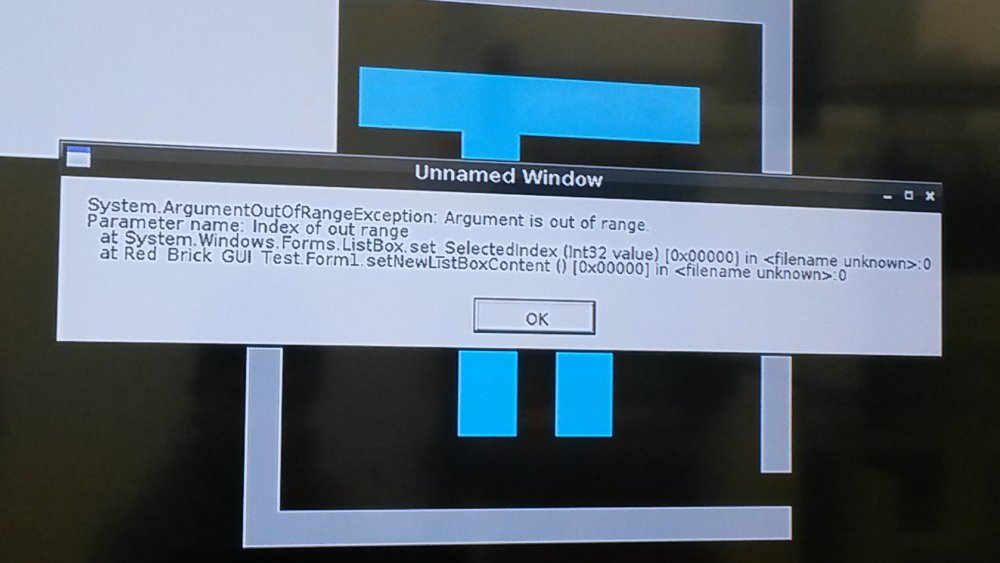
Das kommt als Fehlermeldung. Sorry das ich mich erst jetzt melde, war etwas im stress.
-
Hallo, ich möchte eine USB- Webcam am RED- Brick mit C# nutzen. Die Kamera wird vom RED- Brick zwar erkannt, aber bei der Ausführung, wird das C# Programm gestoppt. Leider erkennt die Aforge(Bildverarbeitungs Bib.) die Kamera nicht,liegt das an fehlenden Umgebungsvariabelen? Und der selbe Fehler tritt auch auf, wenn das Programm am Windows PC gestartet wird ohne Webcam. Selber Fehler tritt bei einem C# OpenCV Programm auf. Mfg Der Kanzler