



Jump to content
View in the app

A better way to browse. Learn more.

Tinkerunity

A full-screen app on your home screen with push notifications, badges and more.

To install this app on iOS and iPadOS
  1. Tap the Share icon in Safari
  2. Scroll the menu and tap Add to Home Screen.
  3. Tap Add in the top-right corner.
To install this app on Android
  1. Tap the 3-dot menu (⋮) in the top-right corner of the browser.
  2. Tap Add to Home screen or Install app.
  3. Confirm by tapping Install.

MrSwitch

Members
  • Benutzer seit

  • Letzter Besuch

Alle erstellten Inhalte von MrSwitch

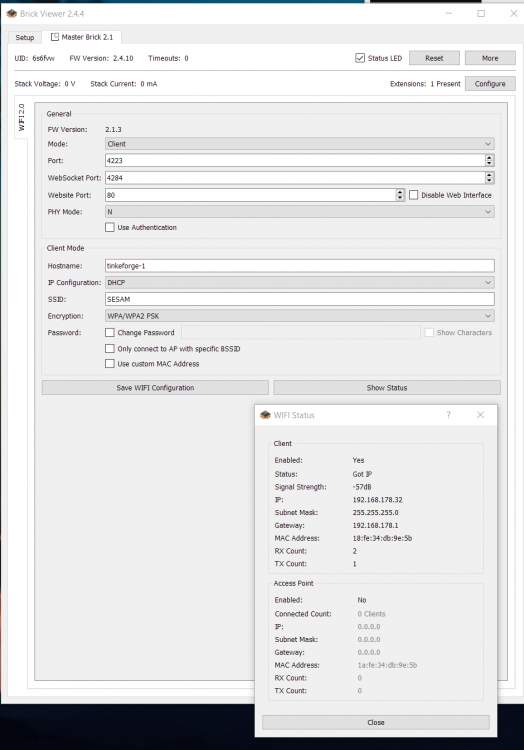
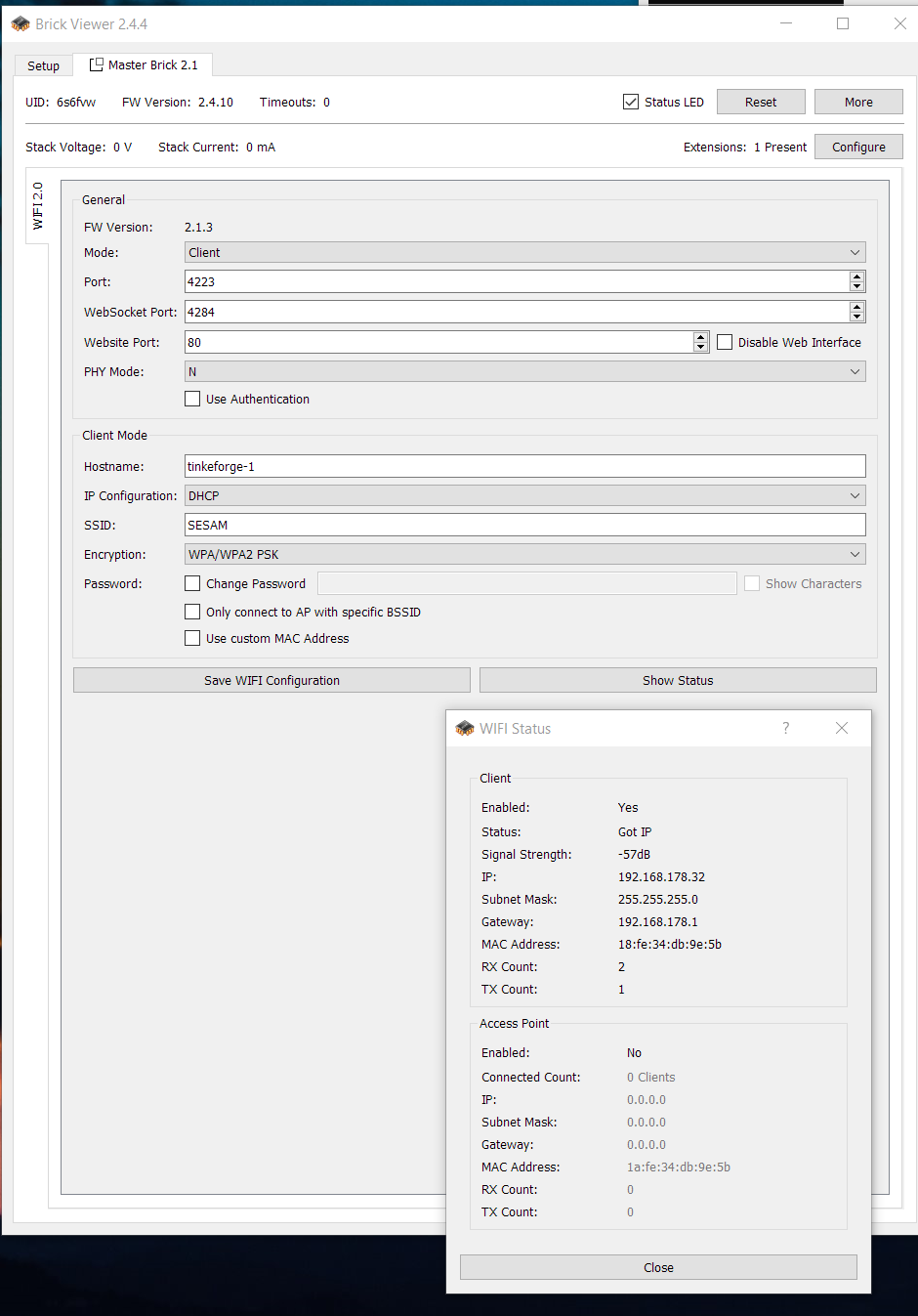
  1. Hi there, I have a Wifi Master 2.0 extension (FW 2.1.3) on Master Brick 2.1 (FW 2.4.10). Wifi connection in client mode is setup and seemingly works: status of extension is "got IP" (see attachment), it shows up in FritzBox and in an IP scan over my network. However, the software "Advanced IP scanner" does not report any open ports. When I connect via http:<ip-adress:4284> I get the funny response: So everthing seems to work fine, but when I try to access the web frontend with <IP-adress>:80 I only get "404 file not found". Following the documentation I should see a web front, shouldn't I? Or did I overlook to install something onto the Master Brick? Thanks & Greetings André
Configure browser push notifications

Chrome (Android)
  1. Tap the lock icon next to the address bar.
  2. Tap Permissions → Notifications.
  3. Adjust your preference.
Chrome (Desktop)
  1. Click the padlock icon in the address bar.
  2. Select Site settings.
  3. Find Notifications and adjust your preference.