Northbridge
Members
-
Benutzer seit
-
Letzter Besuch
Alle erstellten Inhalte von Northbridge
-
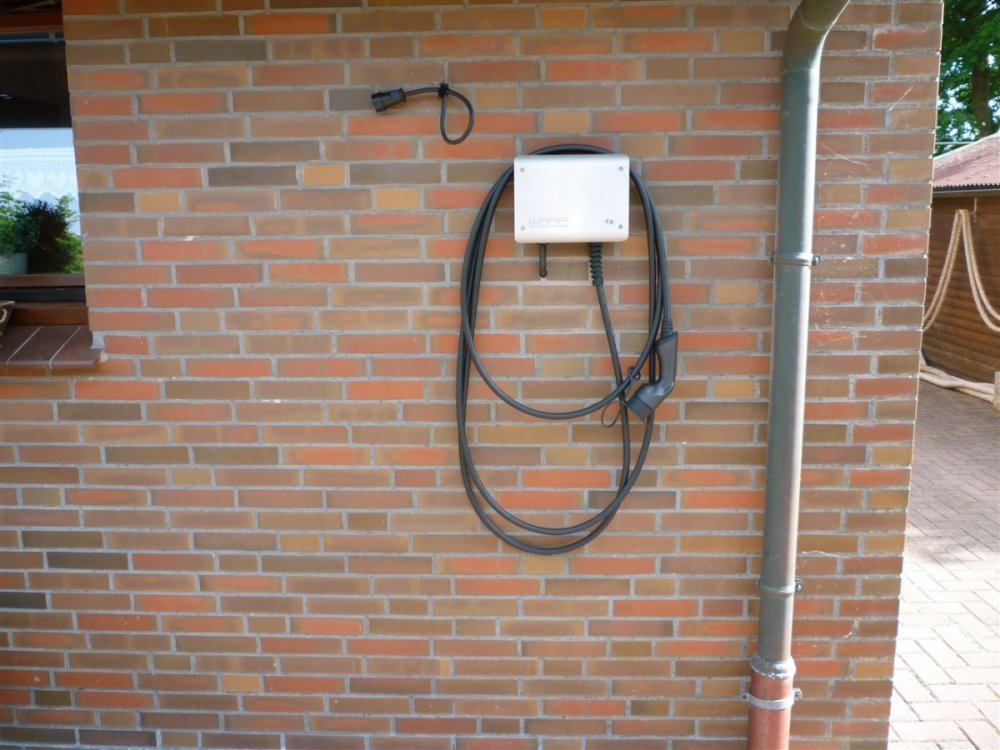
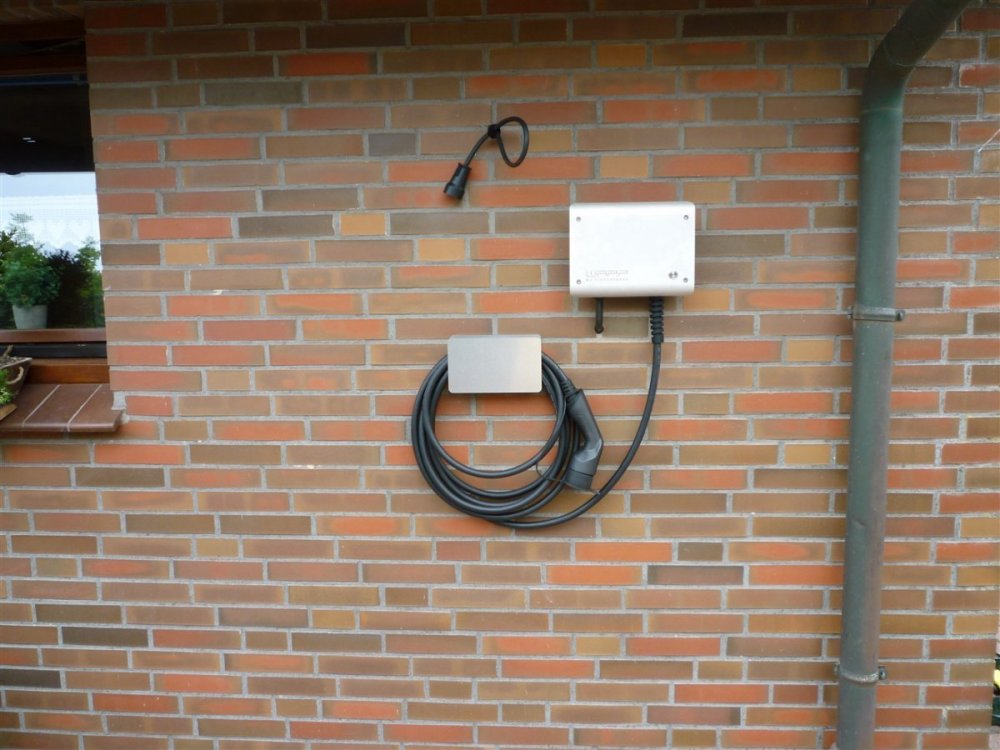
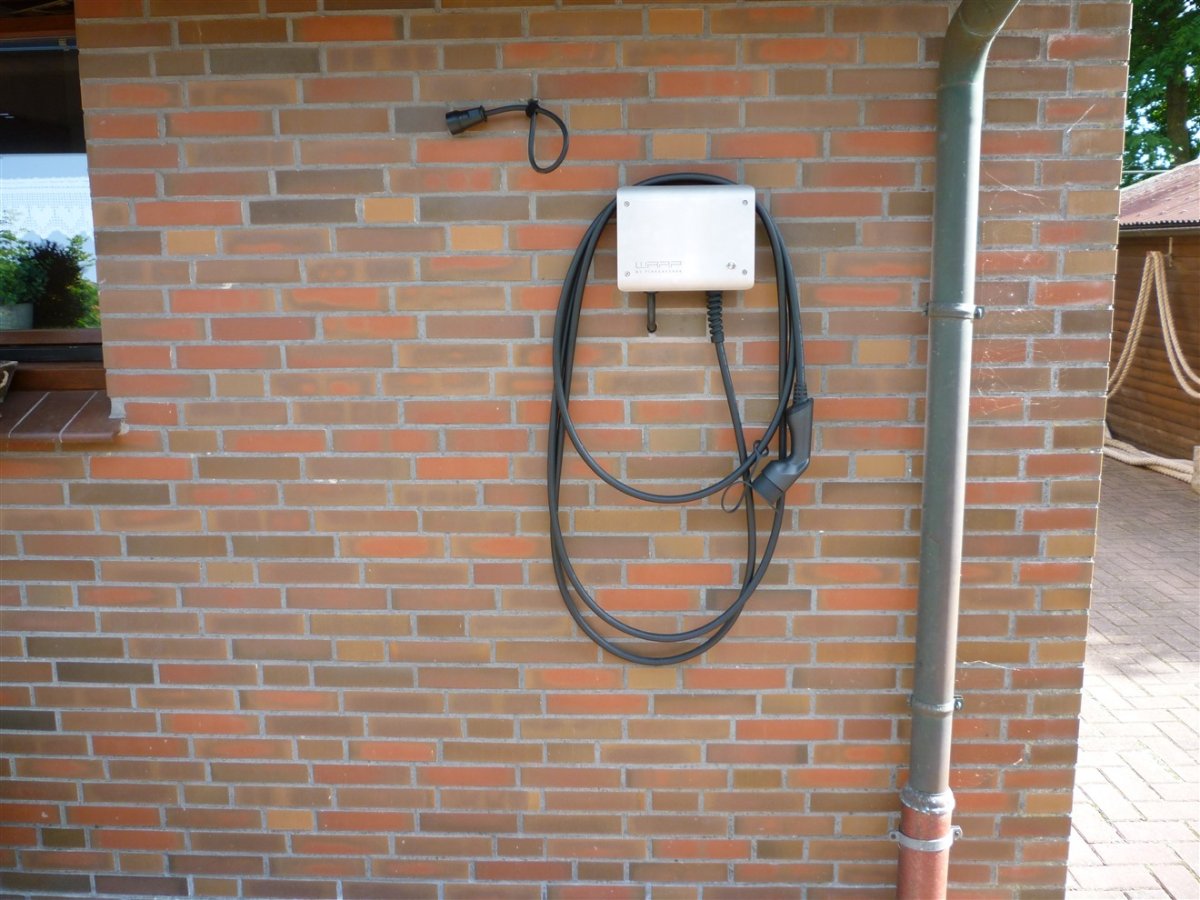
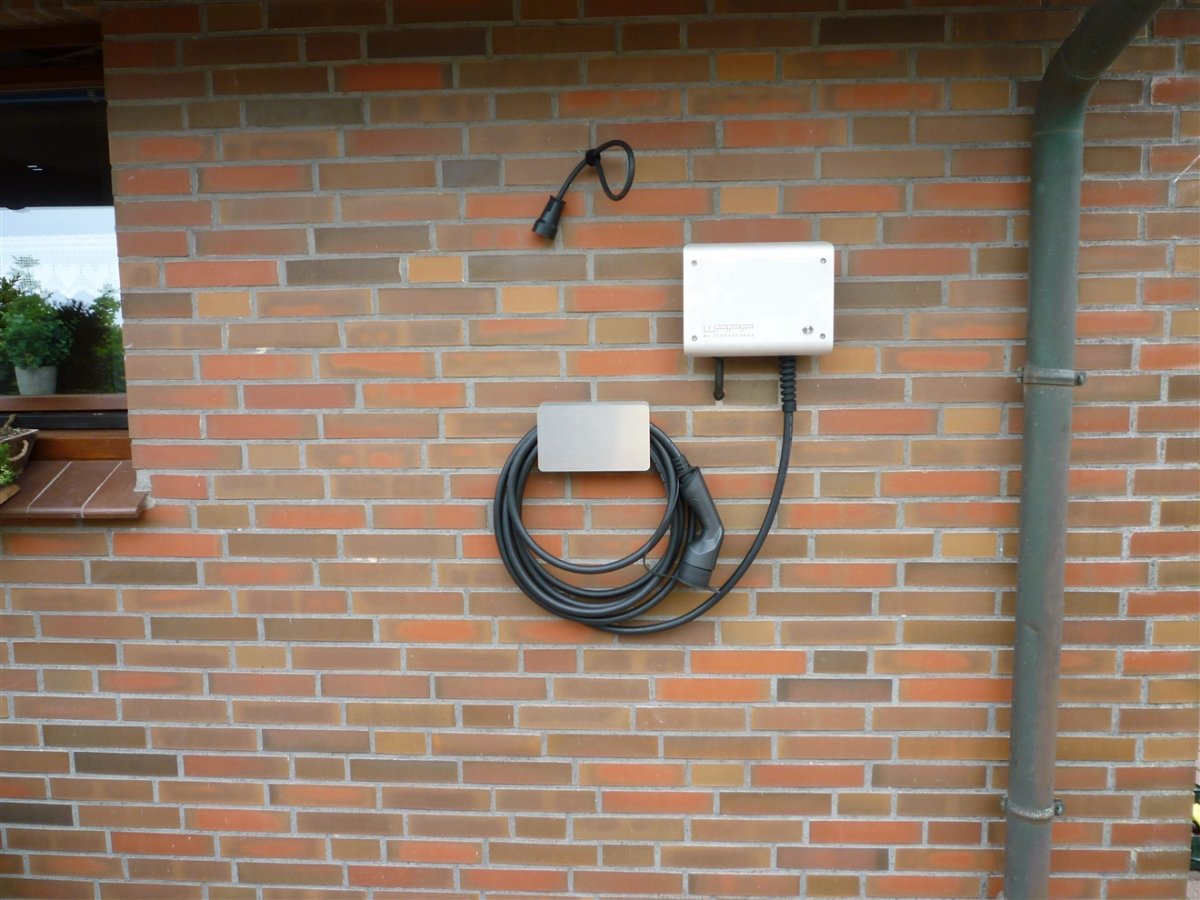
Für mich hängt das Kabel zu hoch an der Box aber so ist die Box bei mir noch weiter unter dem Dachüberstand und ich finde es sieht aufgeräumter aus.
-
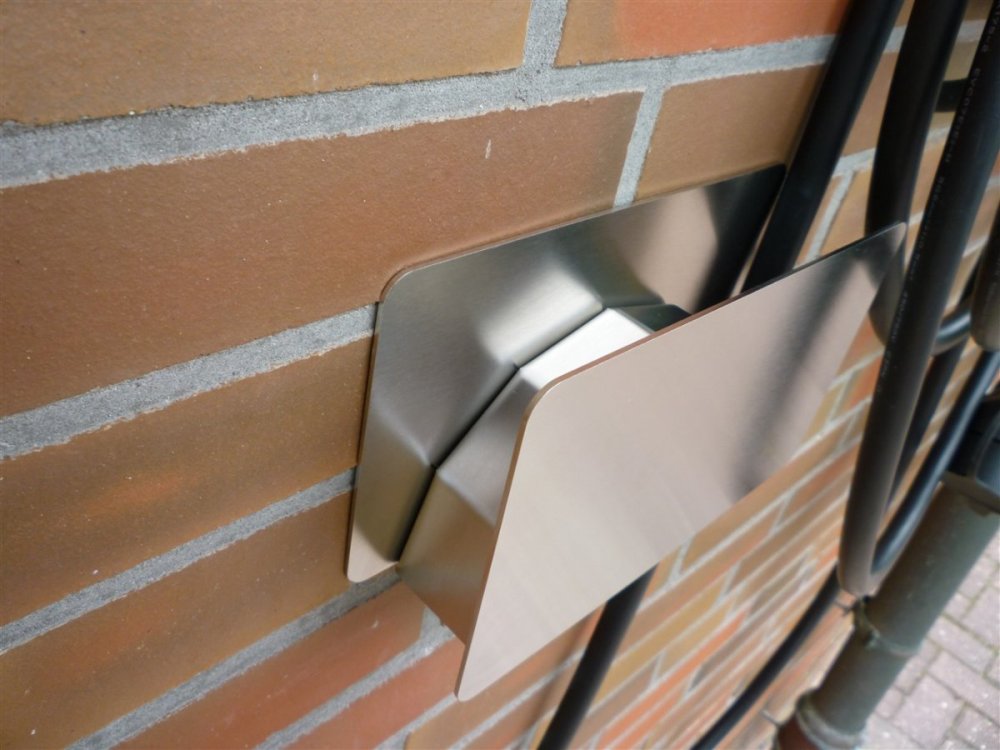
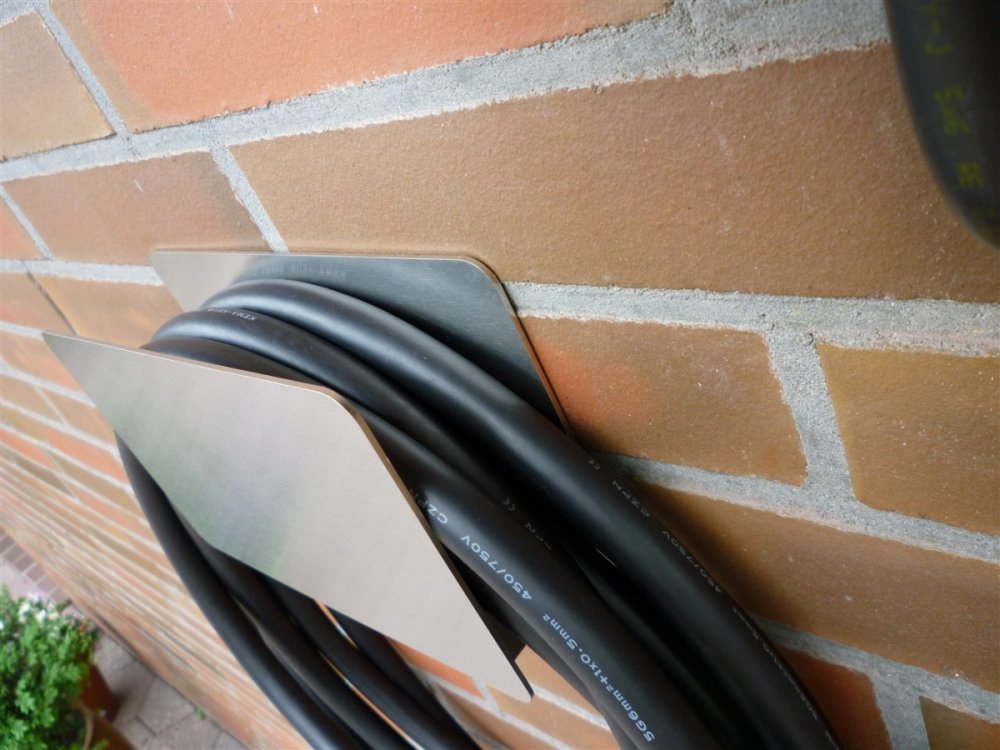
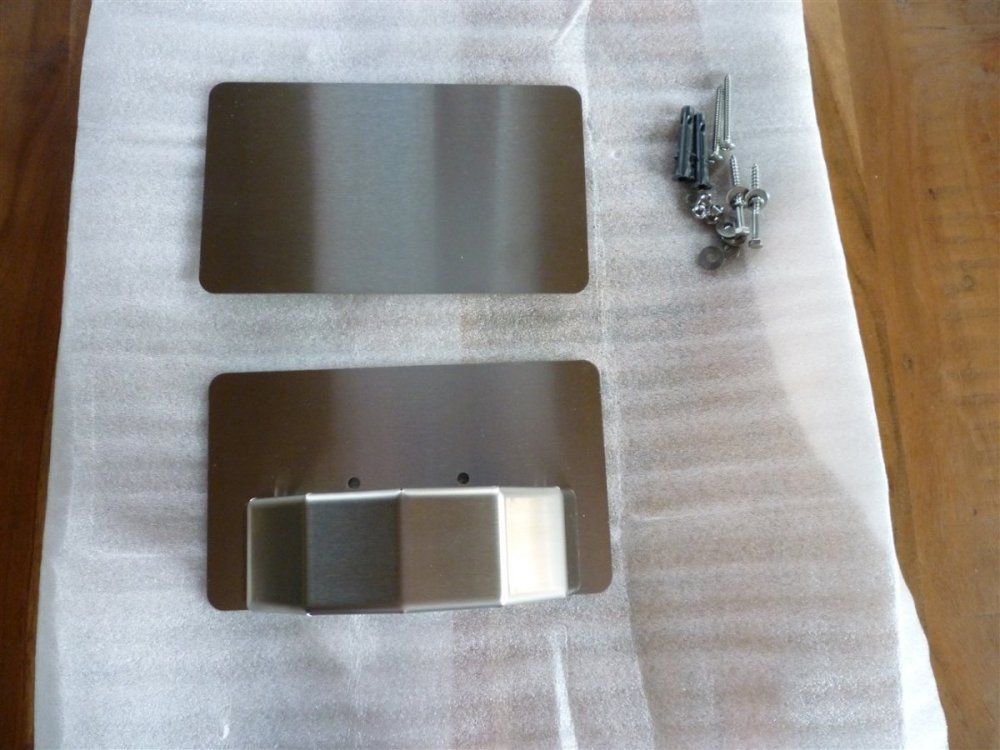
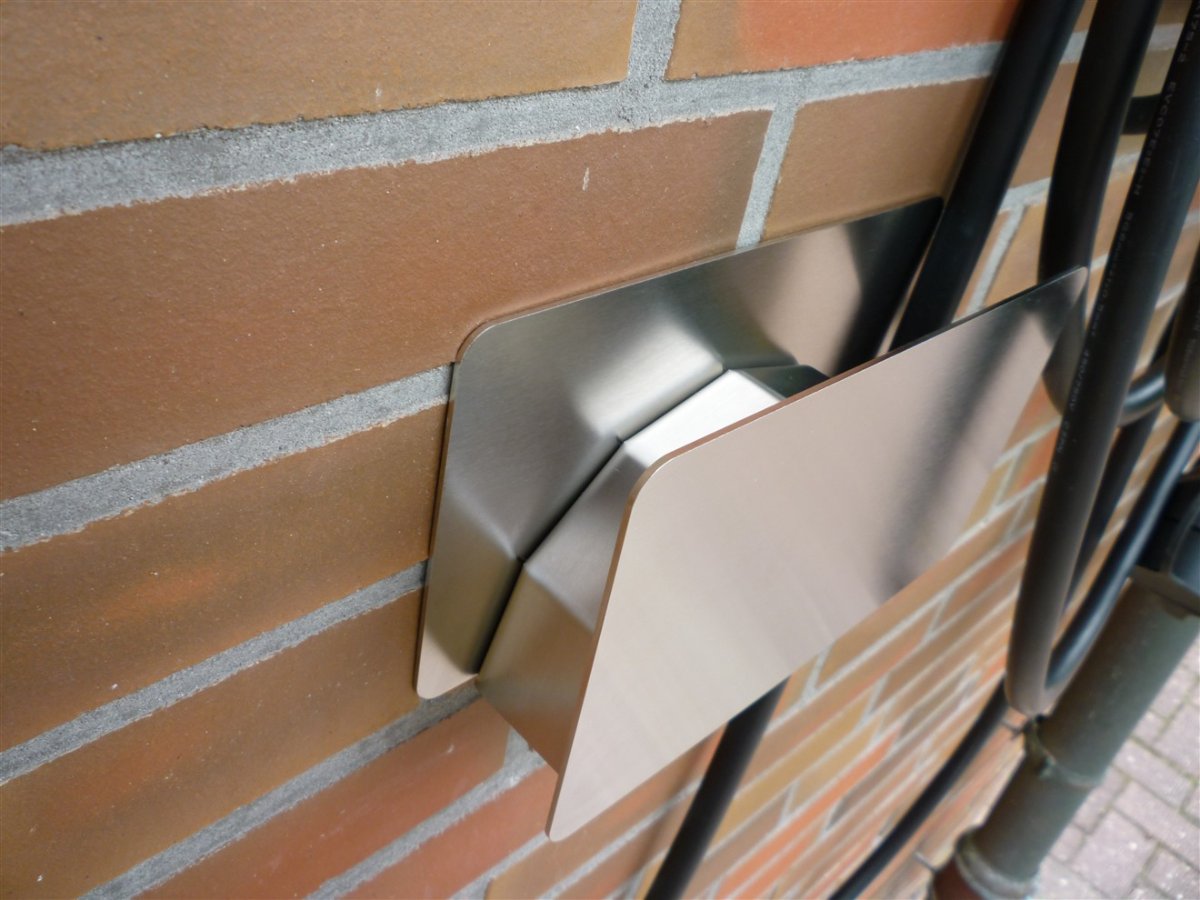
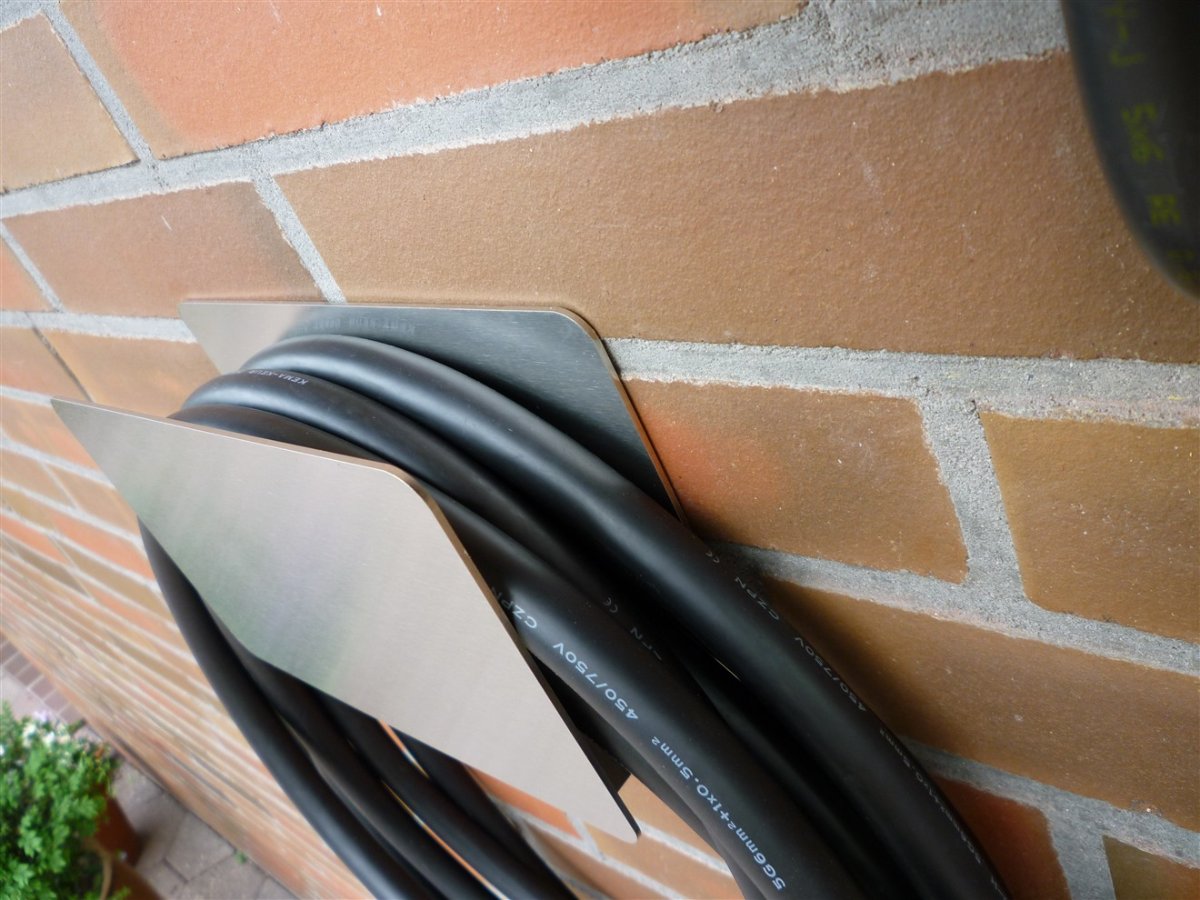
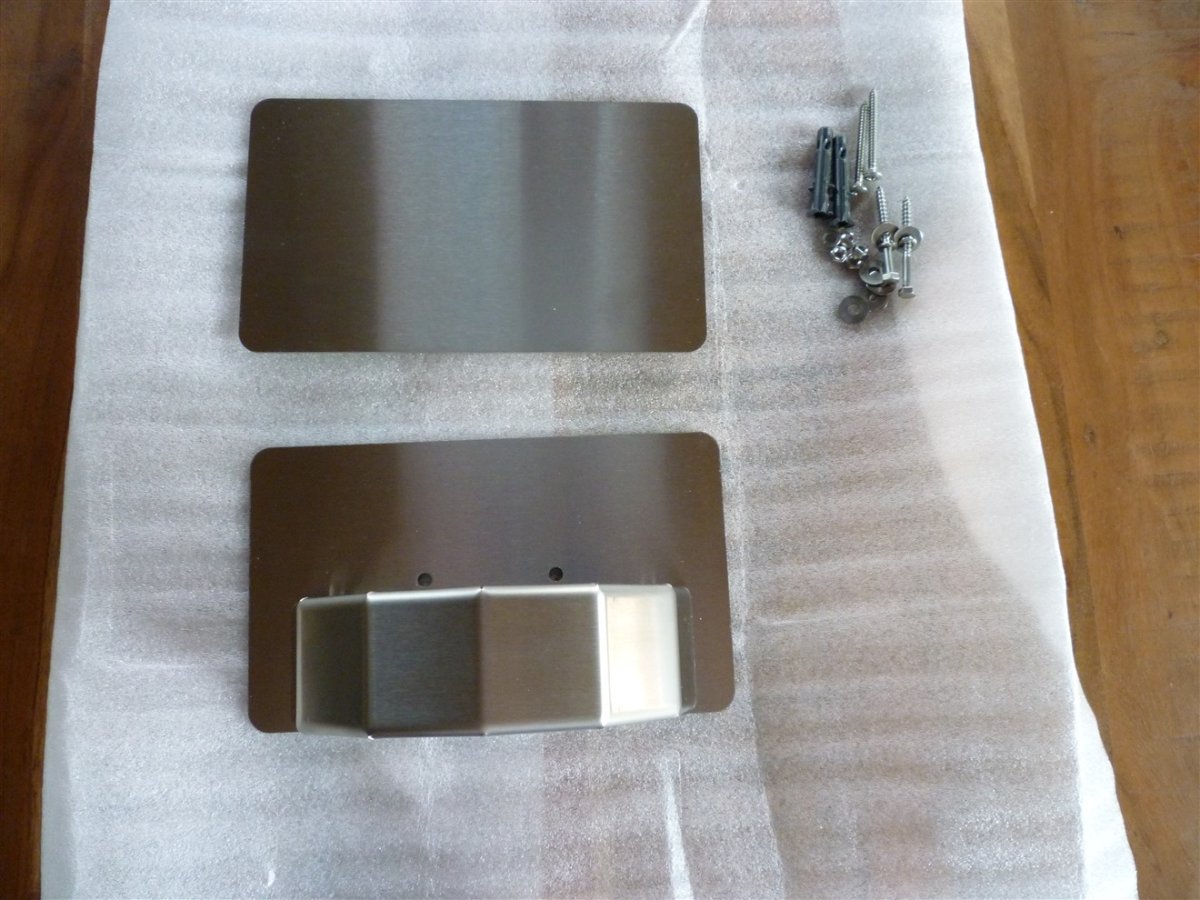
Hallo, auf der Suche nach einem Kabelhalter aus Edelstahl habe ich diese Seite https://spepper-eshop.de entdeckt und mir zwei Edelstahl Schlauchhalter bestellt. Einen für den Gartenschlauch und den zweiten wollte ich mir rechteckig und auf die Hälfte der Tiefe flexen. Nach mehreren Mails mit Herrn Marco Ruppert hat er mir einen Halter nach meinen Vorstellungen gefertigt und zukommen lassen. Hier sind ein paar Bilder: 01_Warp_Charger_Smart.jpg 02_Warp_Charger_Smart_mit_Halter.jpg 03_Halter.jpg 04_Halter.jpg 05_Halter.jpg Ich könnte mir vorstellen, dass ich nicht der Einzige bin der einen sehr professionellen und qualitätiv hochwertigen Kabelhalter aus Edelstahl sucht. Fehlt nur noch das Tinkerforge Logo auf der Frontblende :)