gdrahota
Members
-
Benutzer seit
-
Letzter Besuch
Alle erstellten Inhalte von gdrahota
-
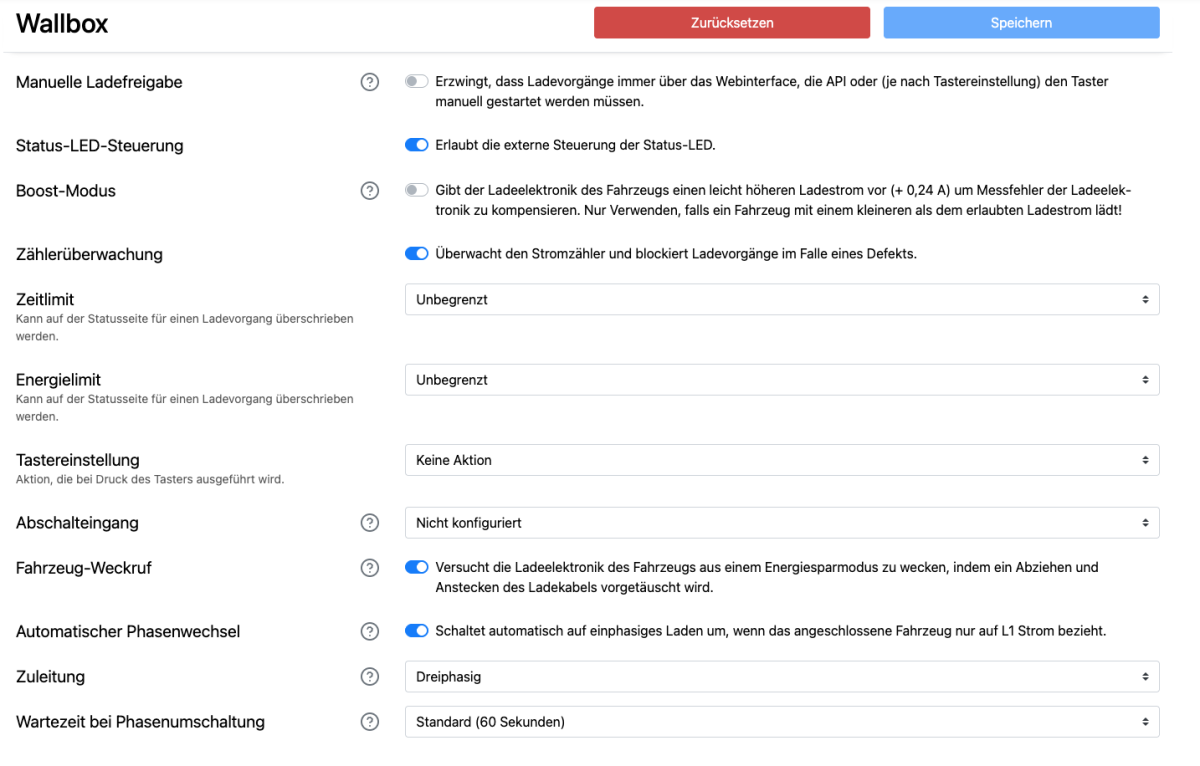
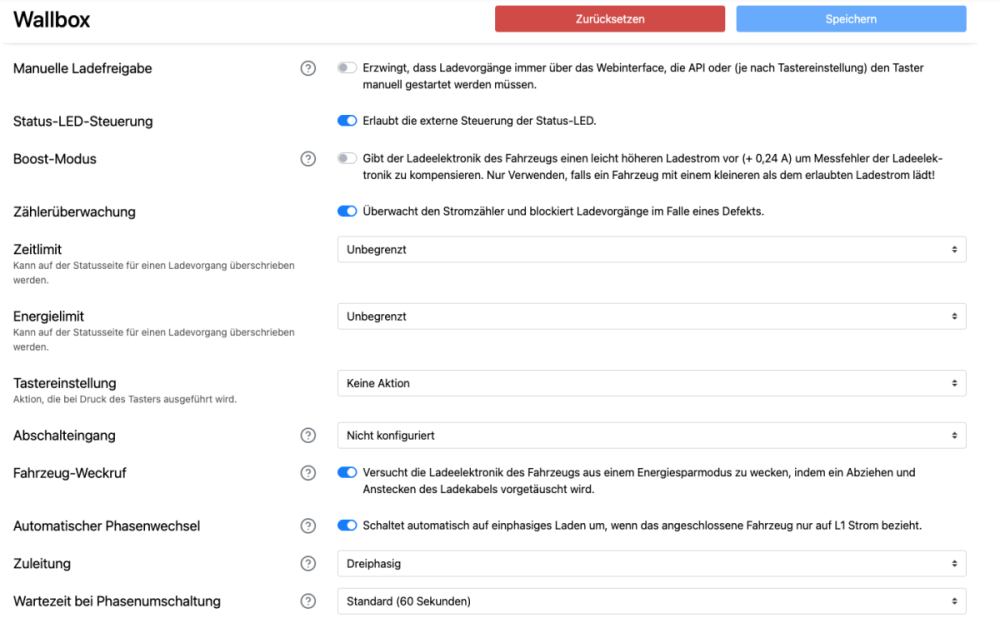
Hier noch die Einstellungen...
-
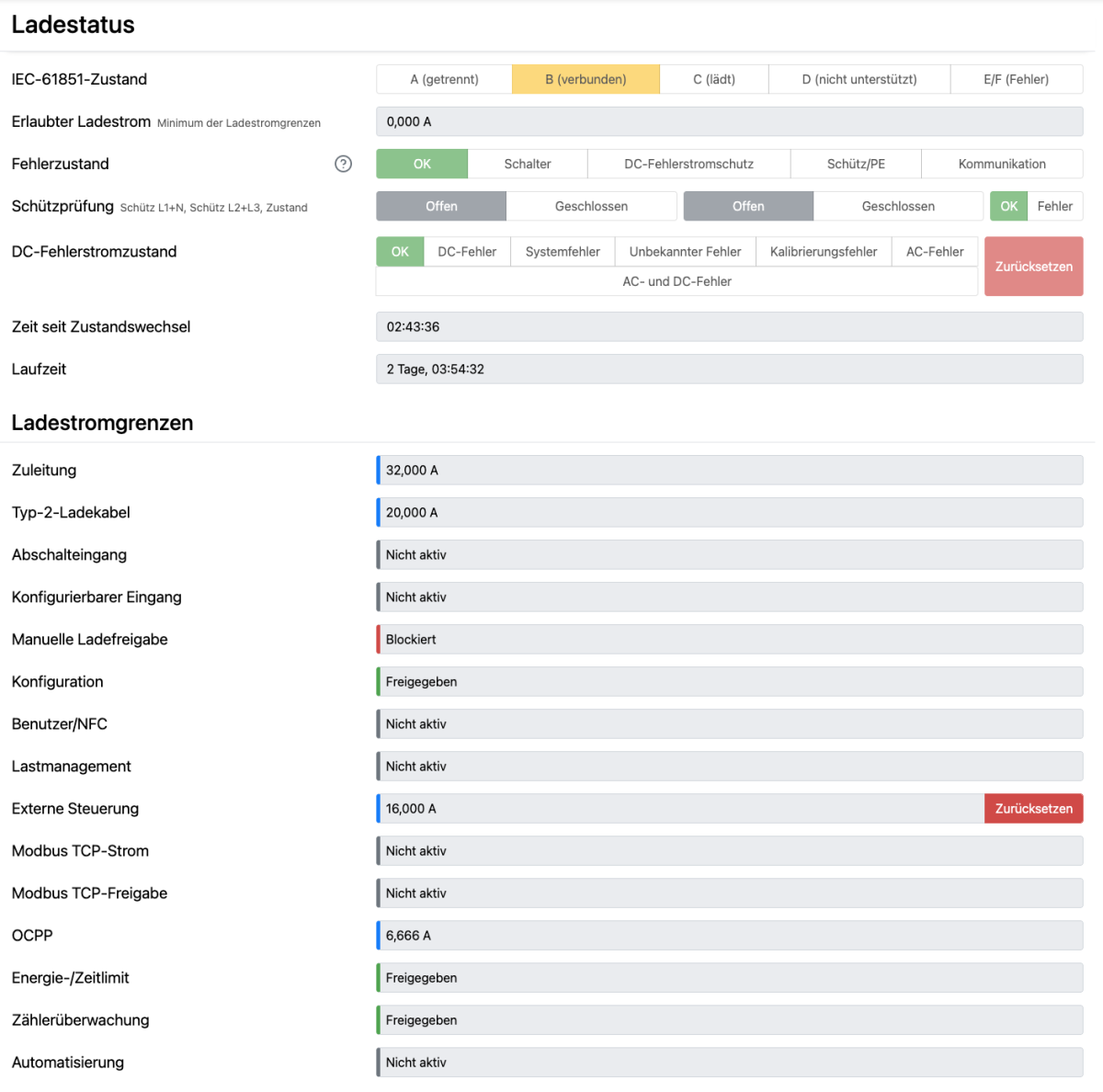
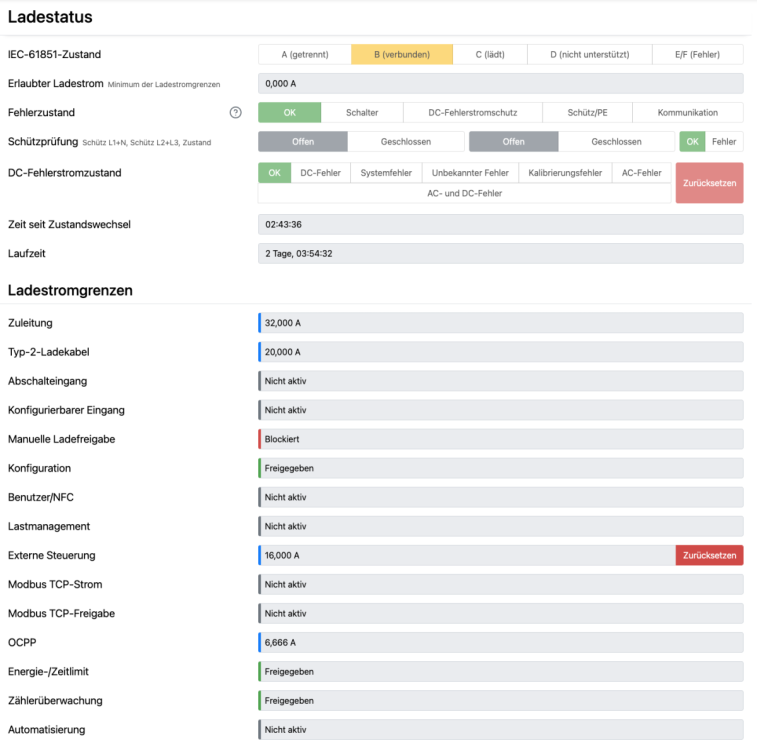
Die Box sendet ja erfolgreich "Authorize" und gleich danach "StartTransaction". Das klappt alles. Nur die manulle Ladefreigabe ist blockiert.
-
Ich habe ein eigenes OCPP 1.6J CS gebastelt. Als CP nutze ich den Warp Charger 3 (Firmware: 2.8.16+69494a37 (erstellt 22.12.2025 14:40:07, von Tinkerforge GmbH) ) Die Kommunikation funktioniert soweit auch reibungslos. Folgendes Charging Profile wird erfolgreich an den CP übertragen: { connectorId: 1, csChargingProfiles: { chargingProfileId: 2001, transactionId: <transaction-id>, stackLevel: 0, chargingProfilePurpose: 'TxProfile', chargingProfileKind: 'Absolute', chargingSchedule: { chargingRateUnit: 'W', chargingSchedulePeriod: [ { startPeriod: 0, limit: 4600, } ], }, }, } Geladen wird trotzdem nicht, das die "Manuelle Ladefreigabe" auf "blockiert" steht. Was muss gemacht werden, damit Ladefreigabe erfolgen kann? Hinweise: Die Wallbox Konfiguration hatte ich zurückgesetzt. Weder Nutzer noch NFC-Tags sind hinterlegt.