matlabbe
Members
-
Benutzer seit
-
Letzter Besuch
Alle erstellten Inhalte von matlabbe
-
Thank you, following the flashing instructions worked! cheers
-
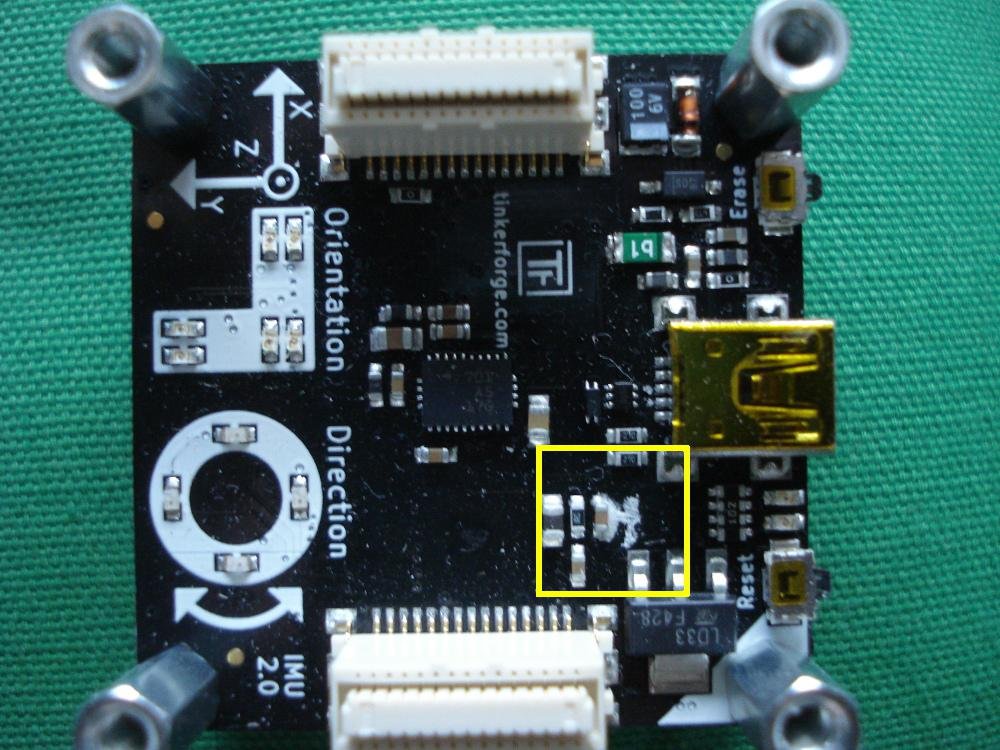
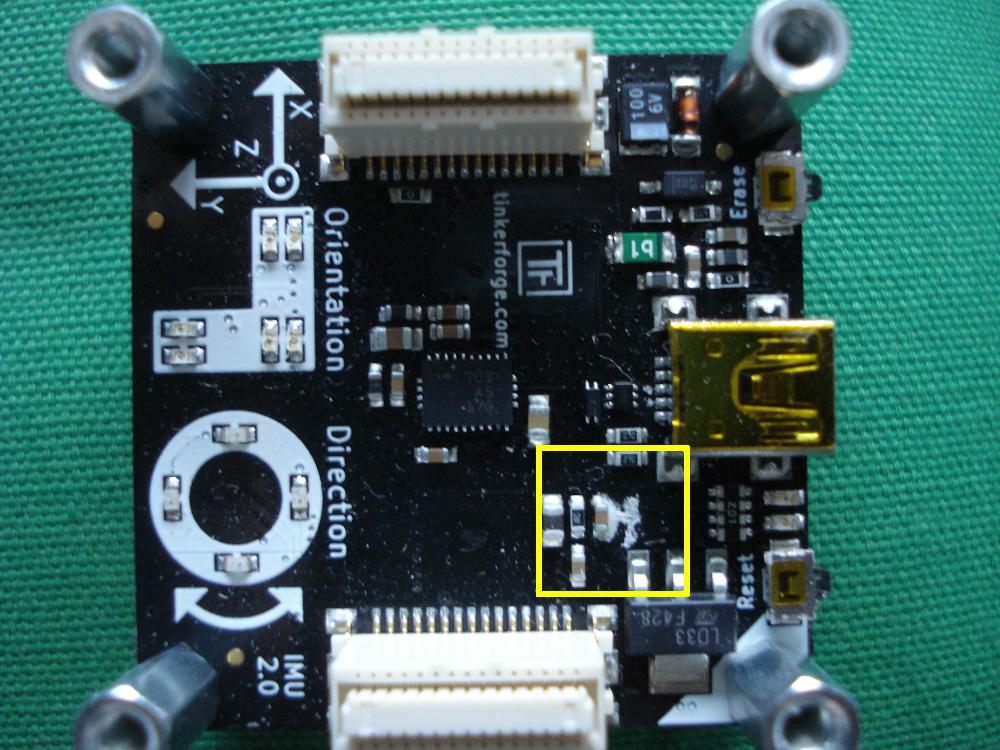
Hi, Today I tried to use the IMU brick 2.0 connected by USB to my laptop (Ubuntu 14.04). The brick viewer didn't show anymore the IMU after clicking "connect". It seems like the USB is not working as "lsusb" doesn't show anything when I plug it. The LEDs about the orientation seem working when I move the IMU. So I tried the buttons on the side, "Reset" and "Erase". When I pushed both at the same time, all LEDs on the board went OFF (like if the USB cable is unplugged). Now if a plug/unplug USB, the LEDs stay OFF. Is there a trick with the side buttons to factory reset the board? I also noticed 3 weeks ago a small leak on one of the component of the board (see inside yellow rectangle of the attachment) but it was still working... it may have caused to new problem. cheers