bakalolo
Members
-
Benutzer seit
-
Letzter Besuch
-
2.4.3 fixed the issue didn't have to do anything else. Thanks for help.
-
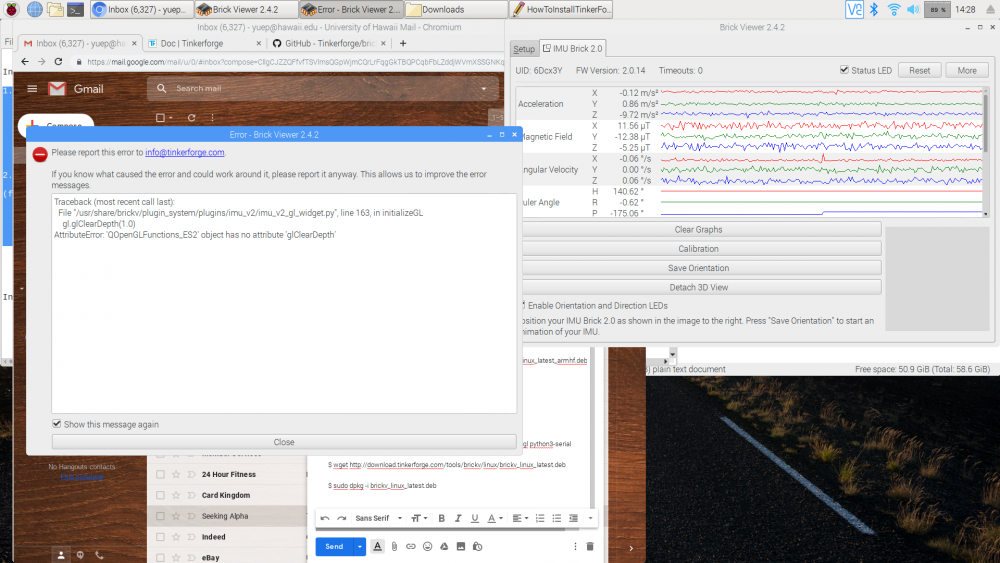
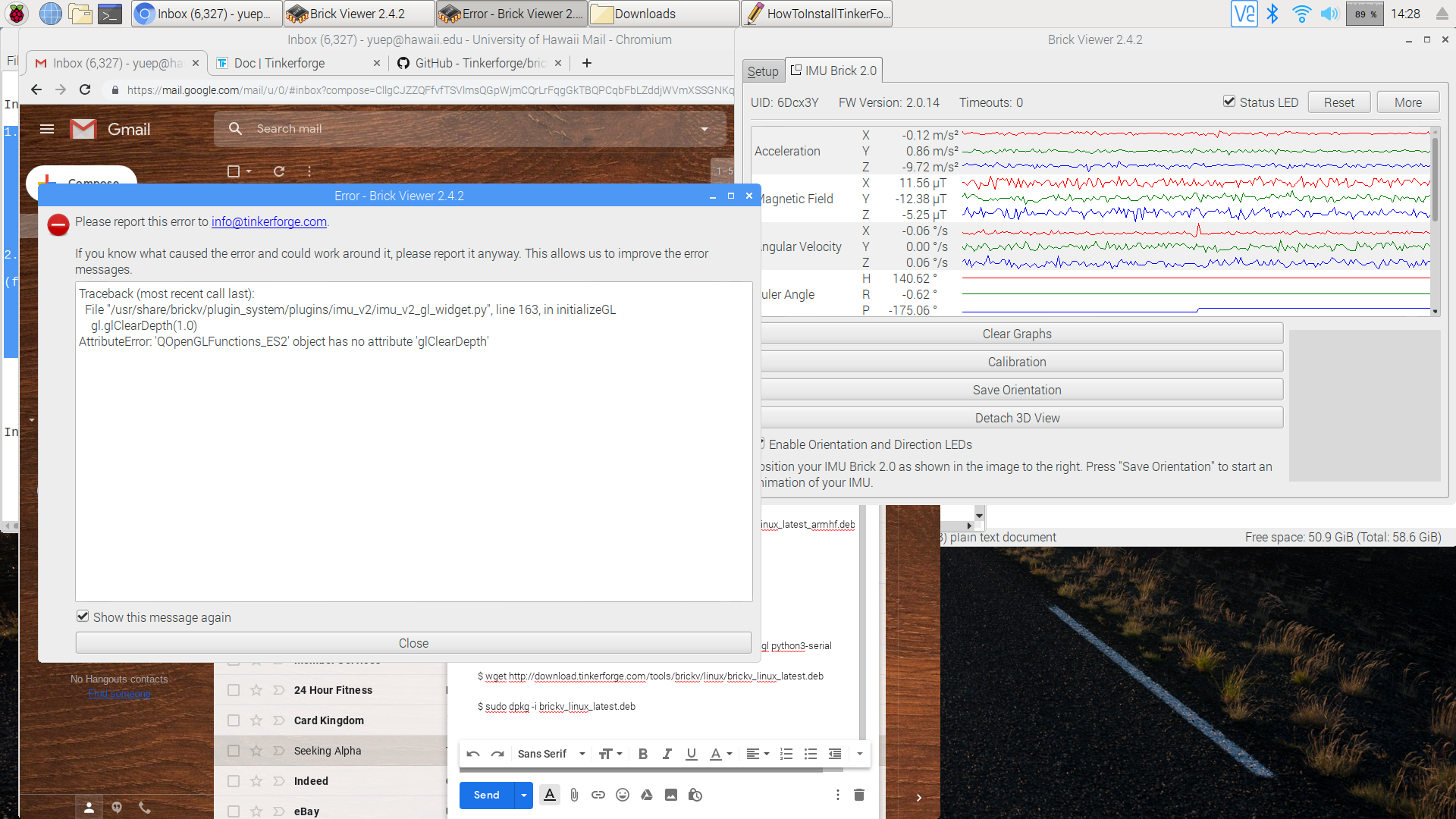
Hi. I 'm getting error messages when running bricker viewer with my IMU brick 2.0 connected. Error message as followed and I made a screenshot attached. Traceback (most recent call last): File "/usr/share/brickv/plugin_system/plugins/imu_v2/imu_v2_gl_widget.py", line 163, in initializeGL gl.glClearDepth(1.0) AttributeError: 'QOpenGLFunctions_ES2' object has no attribute 'glClearDepth' I have used the following terminal commands to install brick viewer in this exact order: 1. Install Brick Daemon $ sudo apt-get install libusb-1.0-0 libudev0 pm-utils $ wget http://download.tinkerforge.com/tools/brickd/linux/brickd_linux_latest_armhf.deb $ sudo dpkg -i brickd_linux_latest_armhf.deb 2. Install Brick Viewer (for python only) $ sudo apt-get install python3 python3-pyqt5 python3-pyqt5.qtopengl python3-serial $ wget http://download.tinkerforge.com/tools/brickv/linux/brickv_linux_latest.deb $ sudo dpkg -i brickv_linux_latest.deb Please advise. Thank you. [/img]