FFlo
Members
-
Benutzer seit
-
Letzter Besuch
Alle erstellten Inhalte von FFlo
-
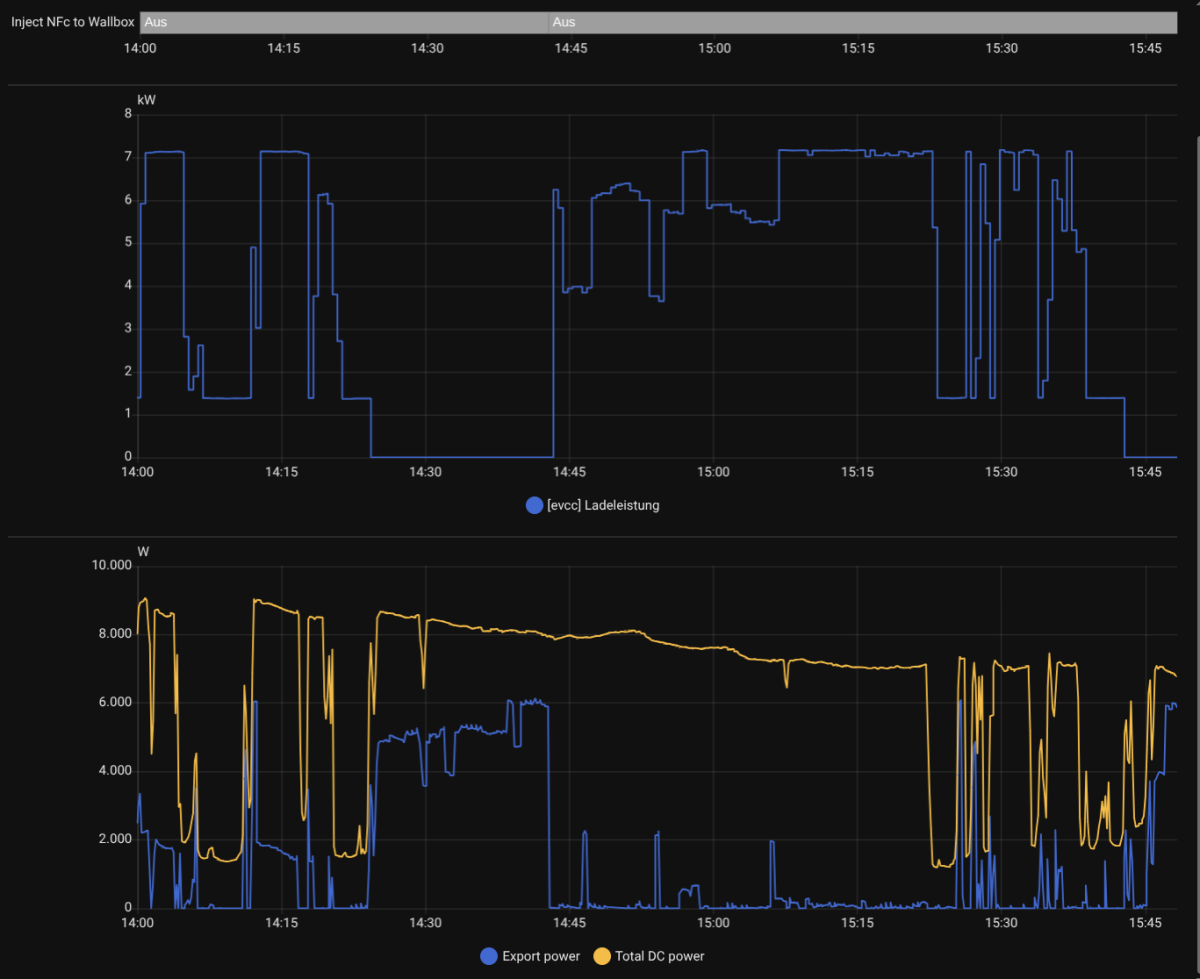
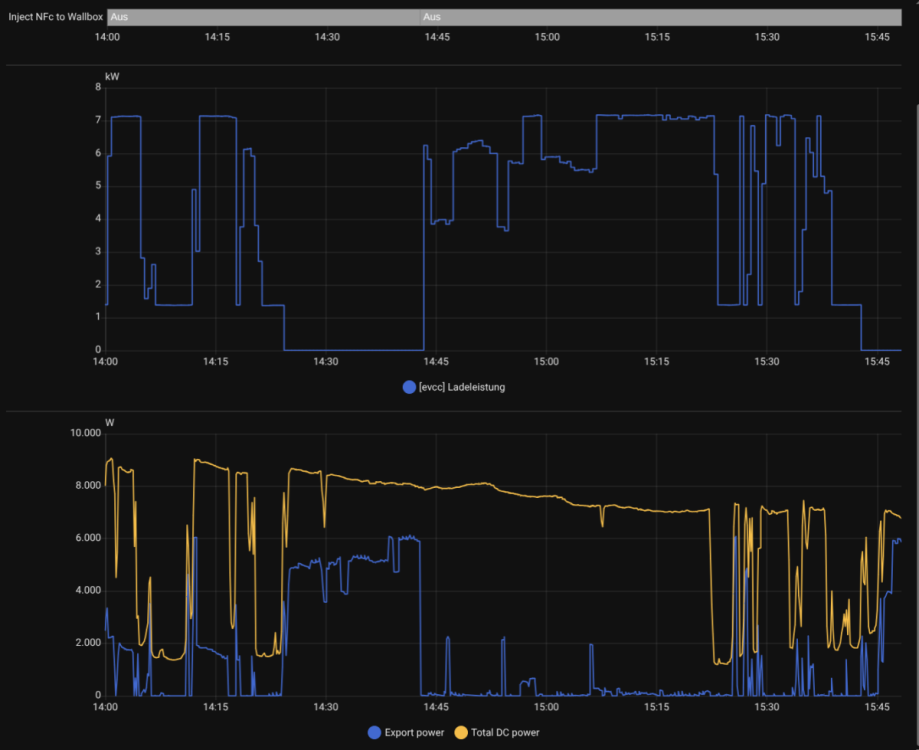
um ca. 14:20 war für eine gewisse Zeit die Sonne weg, weshalb EVCC um 14:24 die Ladung unterbrochen hat. ich habe manuell um 14:42 das Script in Homeassistant gestartet welches auf das topic: "warp2/garage/nfc/inject_tag_start" den gewünschten Tag sendet. In der Automatisierung innerhalb der Warp selbst habe ich absichtlich nicht Ladevorgang Start/Stop genutzt sondern Ladevorgang Start um genau dem toggeln entgegen zu wirken. werde nochmal versuchen das ganze bereit zu stellen ohne jegliche Automatisierungen, werde nur von Hand erneut triggern. Vielleicht helfen aber bereits diese detaillierteren Infos. warp2-Xq3-Debug-Report-2026-04-01T15-40-59-611.txt
-
Moin Community, ich hoffe es kann mir jemand helfen..... Problem: Ich nutze die Wallbox Warp 2 Pro mit EVCC für PV-Überschussladen. Parallel ist die Wallbox per OCPP an eCarUp angebunden, und eine RFID-Karte ist sowohl in eCarUp als auch in der Wallbox hinterlegt. Die Freigabe per RFID funktioniert grundsätzlich. Aktuelles Verhalten: Wenn EVCC die Ladung unterbricht (z. B. bei fehlendem PV-Überschuss) und später wieder freigibt, muss scheinbar eine erneute RFID-Authentifizierung erfolgen. Eine Automatisierung in der Wallbox (Ladestatus: "beliebig → warte auf Freigabe → RFID-Ladestart") funktioniert nur initial, nicht aber nach einer Unterbrechung durch EVCC. Versuchter Workaround: Per MQTT-Topic alle 10 Sekunden einen Ladestart zu triggern, führt zu einem ständigen Wechsel zwischen "Lädt", "Warte auf Freigabe" und "Lädt". Umgebung: Home Assistant wird für Automatisierungen genutzt. EVCC steuert die Ladung basierend auf PV-Überschuss. OCPP-Anbindung über eCarUp. Frage: Wie kann ich erreichen, dass die Wallbox nach einer EVCC-Unterbrechung automatisch weiterlädt, ohne manuelle RFID-Authentifizierung? Gibt es eine Lösung über die Wallbox-Einstellungen, MQTT oder Home Assistant? Genutzte Firmware: 2.9.0+69831b96 (erstellt 04.02.2026 11:12:38, von Tinkerforge GmbH) warp2-Xq3-Debug-Report-2026-04-01T09-48-04-708.txt
-
Top, dann nimmt das auch fahrt auf.
-
Wäre es auch möglich einen OTA Update zu implementieren. Wallbox kann selbst oder durch Benutzer gegen einen Server prüfen ob es eine neue Firmware gibt und diese herunterladen und installieren.