Jump to content
View in the app

A better way to browse. Learn more.

Tinkerunity

A full-screen app on your home screen with push notifications, badges and more.

To install this app on iOS and iPadOS
  1. Tap the Share icon in Safari
  2. Scroll the menu and tap Add to Home Screen.
  3. Tap Add in the top-right corner.
To install this app on Android
  1. Tap the 3-dot menu (⋮) in the top-right corner of the browser.
  2. Tap Add to Home screen or Install app.
  3. Confirm by tapping Install.

JohnL

Members
  • Benutzer seit

  • Letzter Besuch

Alle erstellten Inhalte von JohnL

  1. ein Thema hat JohnL erstellt in: General Discussion
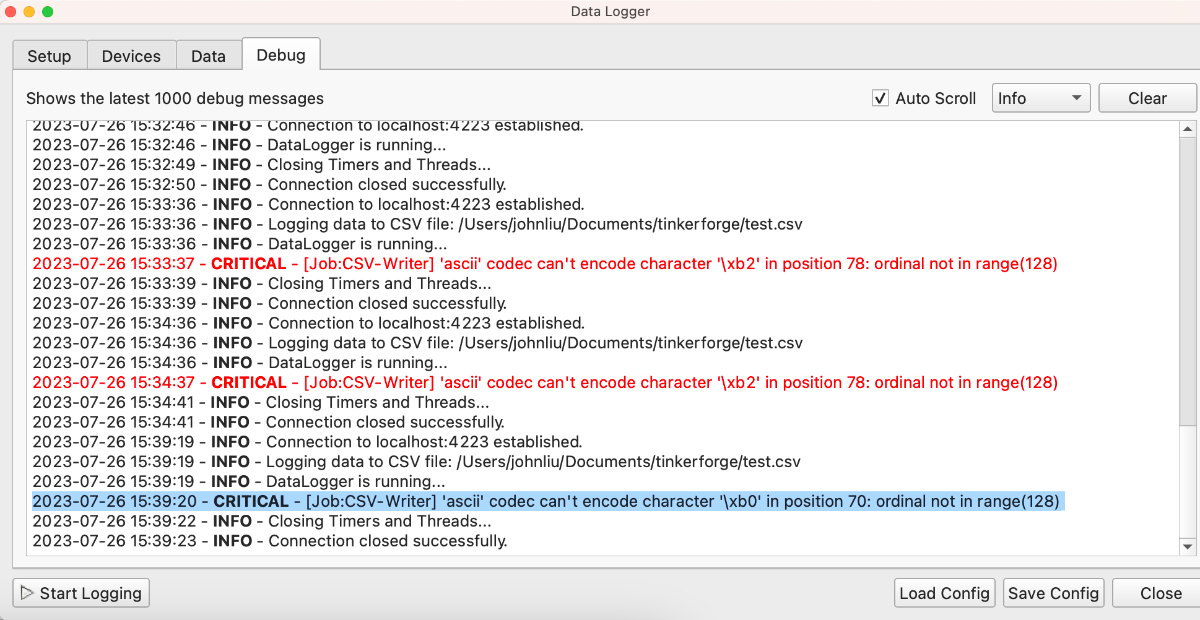
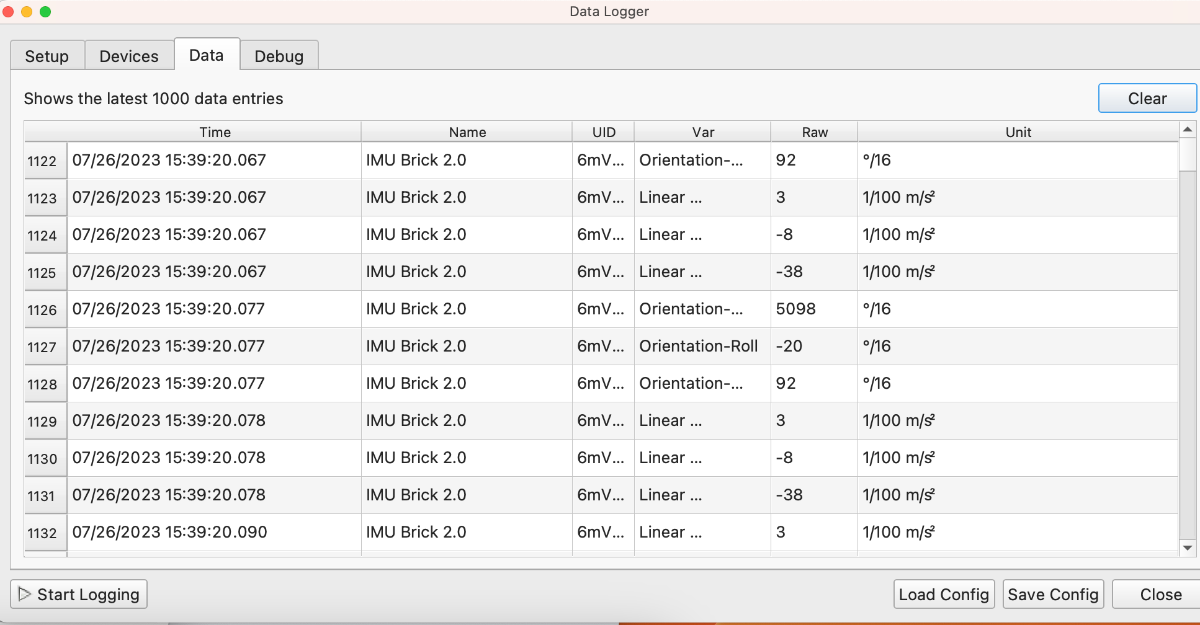
    Hi! I'm new to the TinkerForge community. I am trying to download a csv of data from the IMU Brick 2.0. I can see data from the brick viewer, and the data logger correctly displays the last 1000 data entries of any devices I add. But when I check the box "Write to CSV" File, an error message shows up in the "Debug" section, such as "2023-07-26 15:39:20 - CRITICAL - [Job:CSV-Writer] 'ascii' codec can't encode character '\xb0' in position 70: ordinal not in range(128)" When I open the csv file, there's no data in there either. Has anyone run into this error? Thanks, John
Configure browser push notifications

Chrome (Android)
  1. Tap the lock icon next to the address bar.
  2. Tap Permissions → Notifications.
  3. Adjust your preference.
Chrome (Desktop)
  1. Click the padlock icon in the address bar.
  2. Select Site settings.
  3. Find Notifications and adjust your preference.