Polle87
Members
-
Benutzer seit
-
Letzter Besuch
Alle erstellten Inhalte von Polle87
-
Danke! Dafür würde ich aber eine "richtige" Schritt-für-Schritt Anleitung benötigen, da ich mich mit Virtual Studio Code und PlatformIO überhaupt nicht auskenne. Die Doku von Tinkerforge ist hier leider überhaupt nicht hilfreich, da Tinkerforge in seinen Dokus von sehr tiefen Vorwissen ausgeht und Einsteiger damit überhaupt nicht weiter kommen... Neben bei gefragt: Ist es auch möglich, das ESP32 Bricklet mit Arduino IDE zu flashen?
-
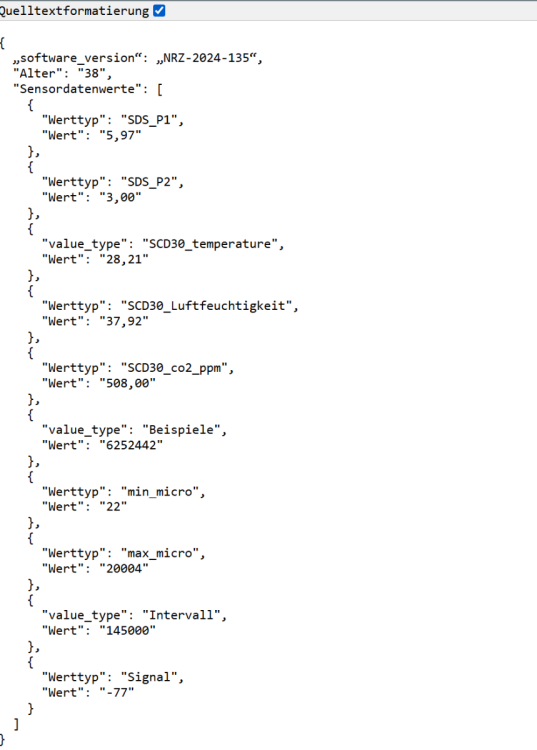
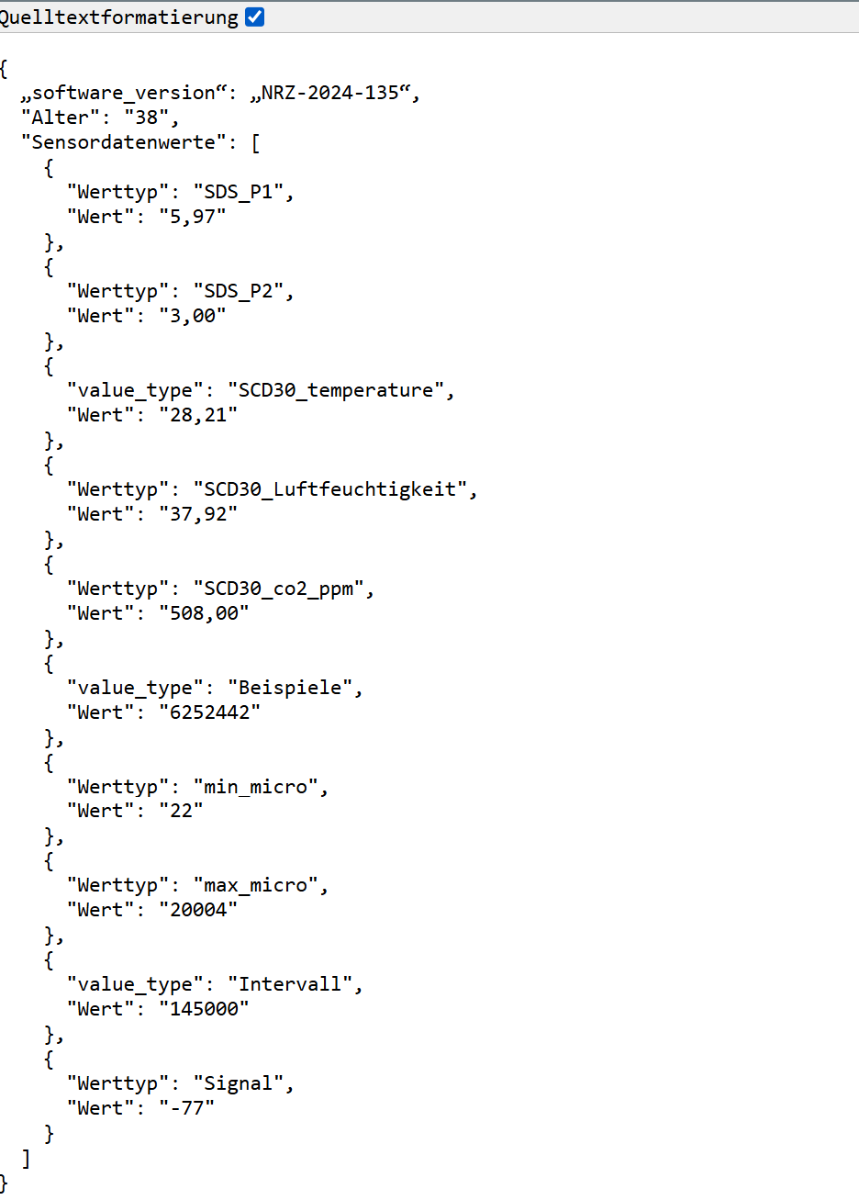
Hallo, ich möchte die Werte der Sensoren, die an meinem ESP32 angeschlossen sind auslesen und in Home Assistant als Entität einrichten. Da es scheinbar mit dem ESP32 nicht möglich ist eine MQTT-Verbindung einzurichten, bzw. die Doku keine verständliche Schritt-für-Schritt Anleitung liefert, war meine Idee, wie bei meinem Feinstaubsensor von "sensor.community" vorzugehen. Hier kann ich einfach die aktuellen Messwerte unter der Adresse http://"SENSOR_IP/data.json finden, ...und anschließend die Werte mit folgenden Code in der config.yaml auslesen. command_line: - sensor: name: "Luftdata PM10" command: "curl http://192.168.188.75/data.json" value_template: "{{ value_json.sensordatavalues[0].value | round(2) }}" unit_of_measurement: "µg/m³" scan_interval: 240 command_timeout: 15 - sensor: name: "Luftdata PM2.5" command: "curl http://192.168.188.75/data.json" value_template: "{{ value_json.sensordatavalues[1].value | round(2) }}" unit_of_measurement: "µg/m³" scan_interval: 240 command_timeout: 15 - sensor: name: "Luftdata CO2" command: "curl http://192.168.188.75/data.json" value_template: "{{ value_json.sensordatavalues[4].value | round(0) }}" unit_of_measurement: "ppm" scan_interval: 240 command_timeout: 15 Nun ist meine Frage: Gibt es auch beim ESP32 Bricklet die Möglichkeit, die Werte der angeschlossenen Sensoren wie hier im Beispiel unter einer URL anzeigen zu lassen?