tomha
Members
-
Benutzer seit
-
Letzter Besuch
Alle erstellten Inhalte von tomha
-
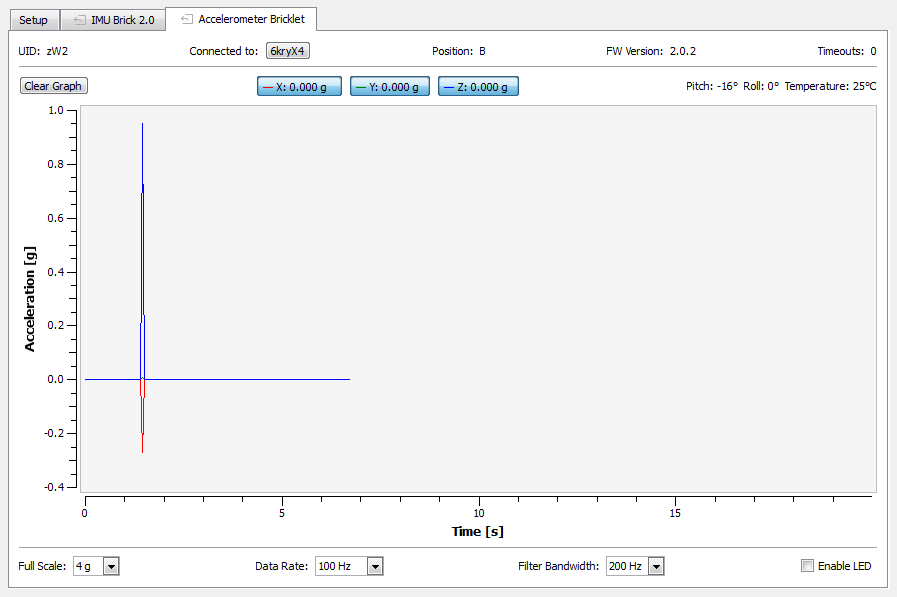
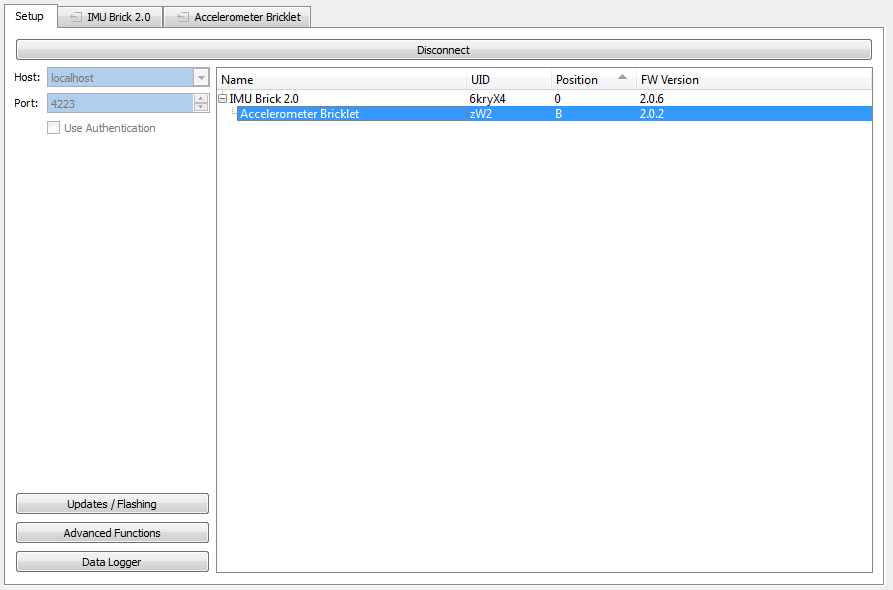
Hallo, Wir haben nach dem Update des IMU 2.0 auf die aktuelle Firmware folgendes Problem festgestellt: Wenn das Accelerometer-Bricklet direkt an den IMU angeschlossen wird ohne Master, dann werden die Daten des Accelerometers im BrickViewer nicht übermittelt. Selbst beim Reset des IMU-Bricks wird ist das taucht das Problem erneut auf. Die LED kann jedoch weiterhin ein- und ausgeschaltet werden und das Bricklet wird erkannt. Es scheint also ein Problem zwischen IMU und Accelerometer zu geben. Getestet wurde das: - mit 2 verschiedenen IMUs 2.0 mit Firmware 2.0.6 - an beiden Bricklet Ports - an verschiedenen PCs - mit versch. Firmware für die IMU 2.0 (2.0.0 - 2.0.6) Dabei stellte sich heraus das ab der Firmware Version 2.0.3 das Problem auftritt. Bei den vorhergehenden Firmware Versionen läuft alles einwandfrei.