astur80
Members
-
Benutzer seit
-
Letzter Besuch
Alle erstellten Inhalte von astur80
-
It works perfectly! Thank you very much!
-
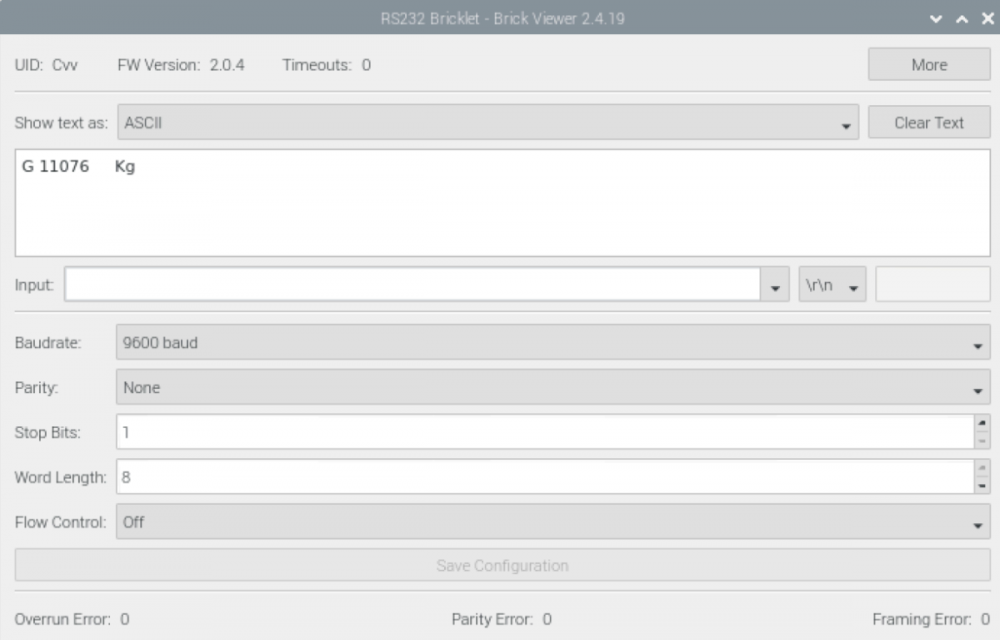
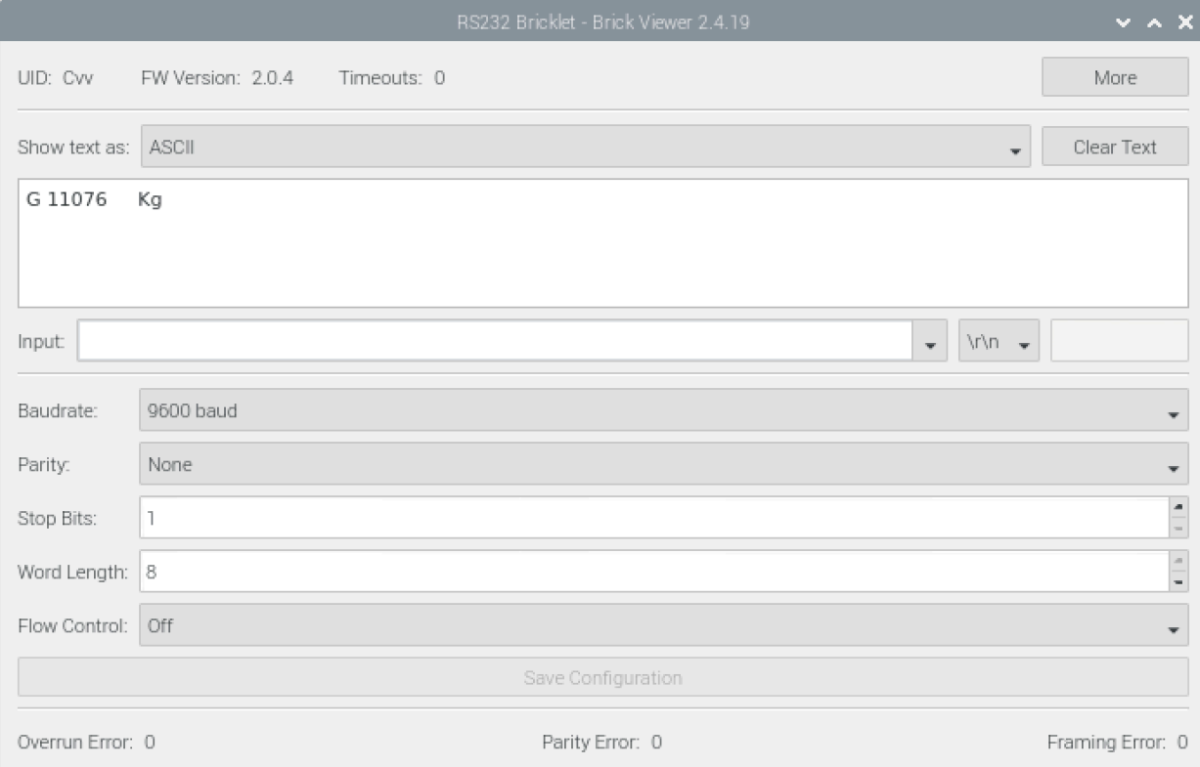
Hi everybody! I'm working with a RS232 bricklet, connected to a weighing machine. I have to send a code to connect (S02) and ask for a measure (MSV?) to this device, but i don't receive responde with the value of the weight. ipcon = IPConnection() # Create IP connection rs232 = BrickletRS232(UID, ipcon) # Create device object ipcon.connect(HOST, PORT) # Connect to brickd rs232.write(*string_to_char_list('S02')) rs232.write(*string_to_char_list('MSV?')) time.sleep(1) buffer=rs232.read() The value of buffer is always the same and the length of the message is 0, so i understand is not a valid response. I have tried adding the characters \ r \ n to the end of the string and the result is the same. However from Brickviewer if I enter both codes in the input field (first S02, Intro and then MSV? and Intro again) I get a valid response with the correct measure. What could be the problem? Thank you very much and excuse my english