andreashergert1984
Members
-
Benutzer seit
-
Letzter Besuch
Alle erstellten Inhalte von andreashergert1984
-
Ok ich hab den "Fehler" gefunden.. Ich hatte "Ladefreigabe" aktiviert und war der irrigen Annahme, dass wenn ich mich als Benutzer in der Gui authentifiziere, und dort auf Start klicke, als Freigabe zählt. Ist wohl nicht so. Ich hab die Ladefreigabe mal deaktiviert.. und siehe da.. das Auto lädt. Vielen Dank nochmal Andi
-
ok ist anhängig. evse-debug-log-warp2-21YZ-2023-02-23T12-24-22-463.txt
-
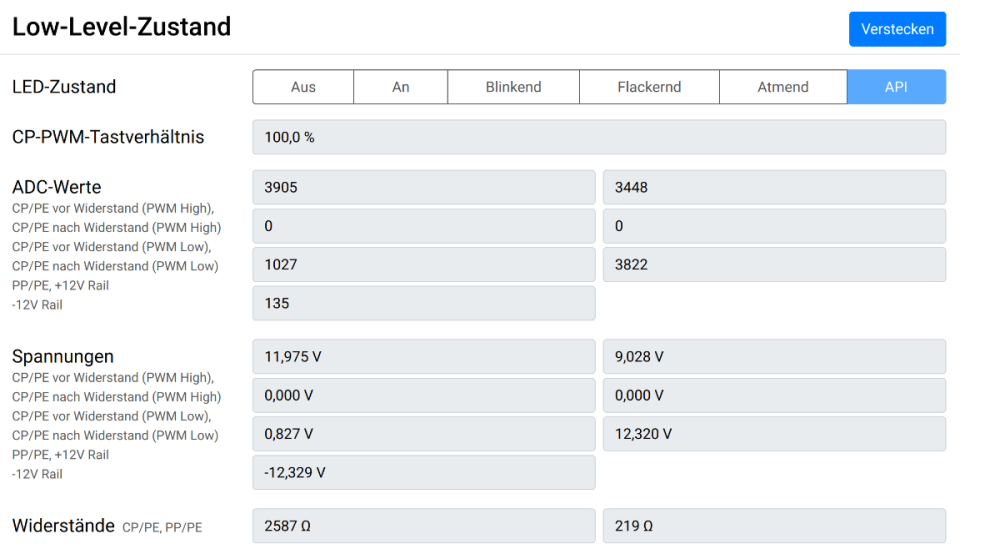
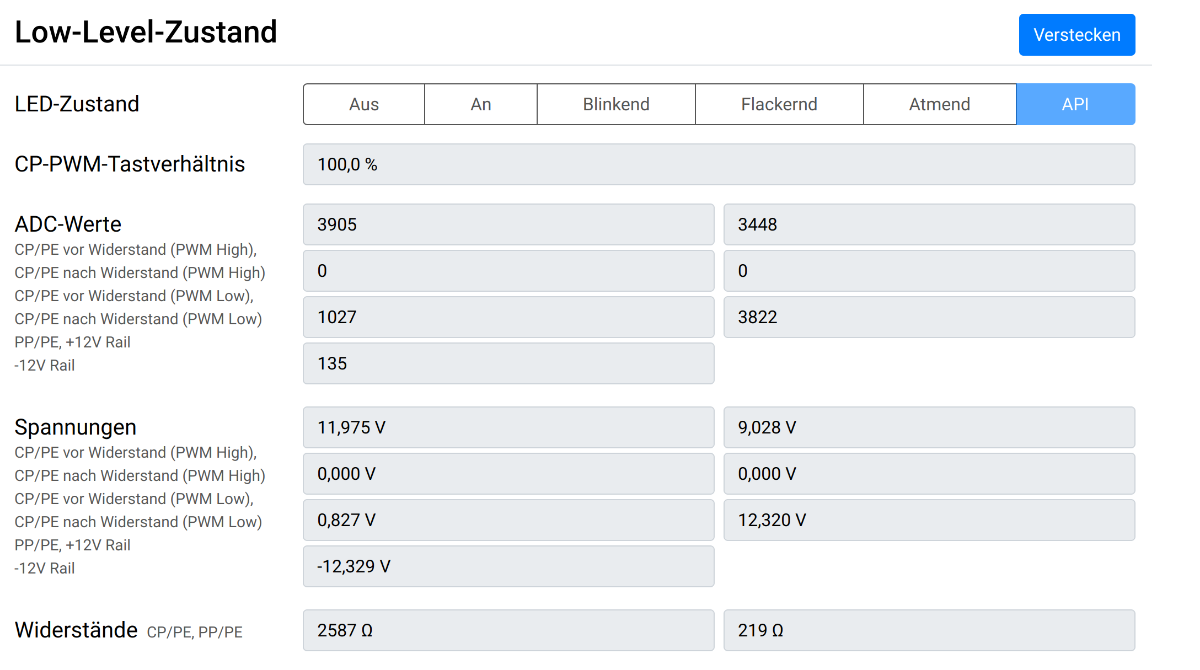
Hallo zusammen, ich habe die warp2 Pro einphasig installiert (3 phasig kommt noch). Ich habe den Eingangstromjumper auf 13 A gestellt. Jetzt woll ich heute mit dem neuen Auto das erste Mal laden, aber leider tut sich nichts. IEC-61851-Zustand A (getrennt)B (verbunden)C (lädt)D (nicht unterstützt)E/F (Fehler) Keine Ladung beginnt.. weder manuell noch bei automatischem Start. Nach vielen Minuten steht im Auto dann: "Ladesystem Störung", leider nicht mehr. Ich hätte noch die Messwerte als Anhang Das Auto hat heute bei zwei öffentlichen Ladesäulen sauber geladen. Hat jemand eine Idee? Und ja .. Firmware ist aktuell.. alles zigfach aus und wieder eingesteckt/geschaltet habe ich . Vielen Dank Andi