Dietmar_75
Members
-
Benutzer seit
-
Letzter Besuch
Alle erstellten Inhalte von Dietmar_75
-
Hallo zusammen, ich habe nach dem letzten SW update auf 2.8.13 das Problem, dass der Ladevorgang beim Anstecken des Fahrzeug als "schnell" (mit 11kW) gestartet wird und dies völlig unabhängig davon, was im Lademodus konfiguriert ist. Um das ganze auf Min-PV zu bringen, muss ich stoppen, einmal den Lademodus verändern z.B. min+PV --> PV--> min+PV um wirklich im Modus Min+PV laden zu können. Ich dachte, dass ich mal eine Einstellung für den Start mit Vorauswahl "unverändert" gesehen habe, finde es aber nicht mehr wieder. Vielen Dank für jegliche Hilfe Dietmar
-
ich denke ich habe es gefunden, im Topic... evse/state .. Aber ich finde es nicht systematisch über die Suche.. Einen schönen Abend Gr. Dietmar
-
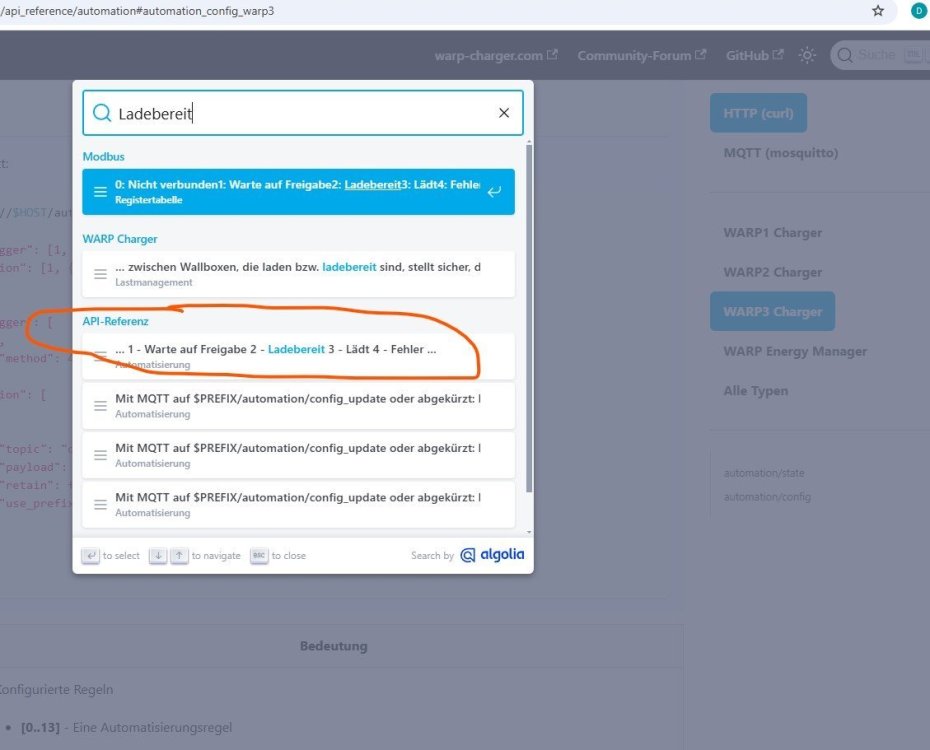
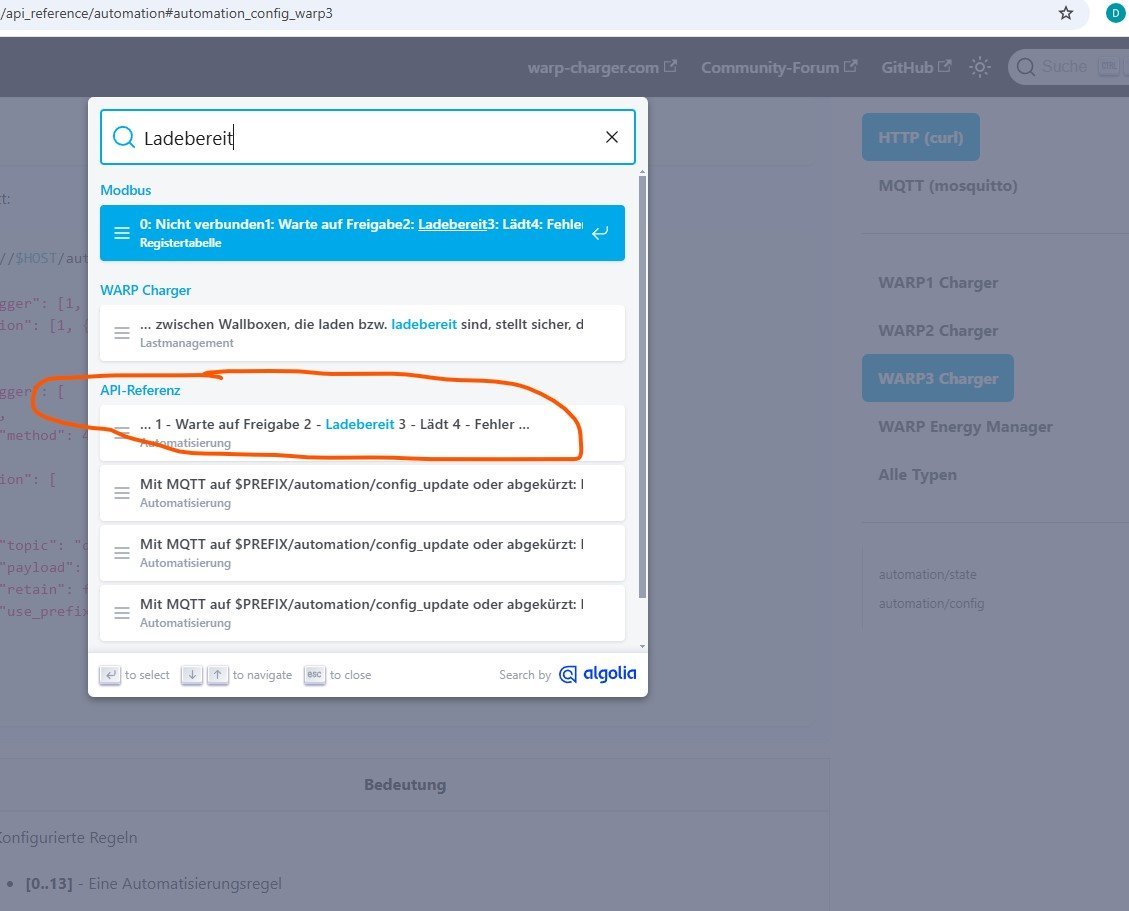
Hallo zusammen, ich bin noch beim Einarbeiten und möchte den Ladestatus oder den "IEC-61851-Zustand" wie er auf der webpage angezeigt wird, in openhab über die MQTT API übernehmen. Leider finde ich beim Durchsuchen der API Docu das MQTT Topic nicht, nur das Modbus 1002.. Ich finde zwar in der der API Docu etwas unter Automatisierung, aber der Linkt führt nicht zur entsprechenden API Beschreibung... Meine Frage, gibt es die Information in der MQTT API oder nur im MODBUS? Und wenn ja, wie würde man sie finden? Vielen Dank für eure Hilfe Vielen Dank Grüße