benoit
Members
-
Benutzer seit
-
Letzter Besuch
-
Danke
-
Danke für die Antwort. Python
-
Hallo zusammen, Ich sehe kein Beispiel für das Digital In Bricklet 2.0. Ich probiere mit Beispiel von 1.0 aber es funktionniert nicht. Ich bräuchte ein callback Beispiel. Kann mich jemand helfen? DANKE
-
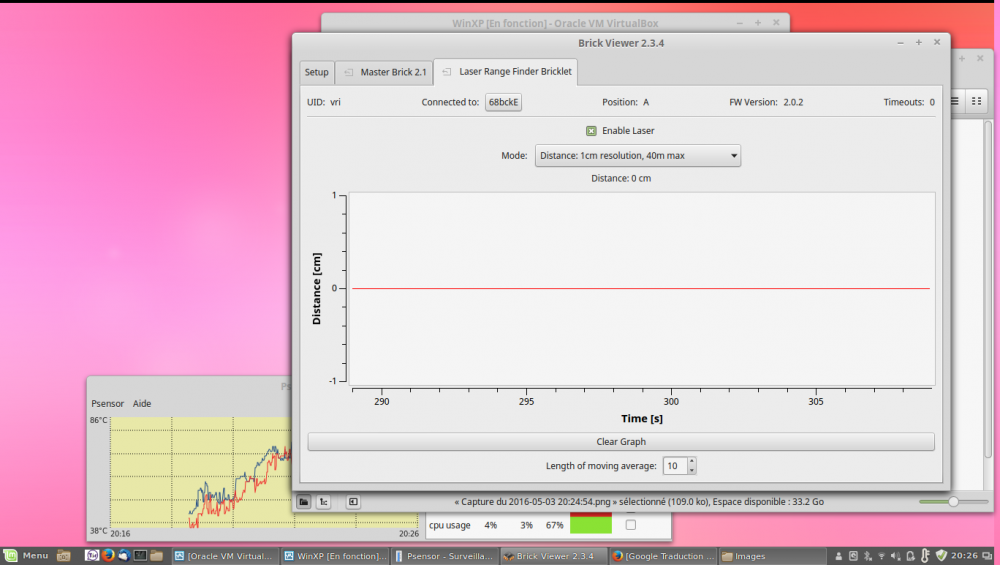
thank you for the answer. no the stack works properly but the value of the laser range bricklet remains at 0
-
Hi all, I just receive my Laser Range Bicklet and I have a problem with it. It runs 5 to 10 minutes and then stopped working. If I disconnect and reconnect the cable or move the cable, some times it works again for a few minutes. I tried several cables on several Master Brick but without success Master Brick : 2.1 FW 2.3.4 Laser Range : 2.0.2 Does anyone has had this kind of problem?
-
Hallo Theo, Ich schalge das NFC Bricklet vor. Gruß
-
Hi all, This morning, I discover Tinkerforge product. It is really interesting. I want to know if it is possible to have an output with 4-20 mA. I see a Bricklet "Industrial Dual 0-20mA Bricklet". He has only input signal 4-20 mA or does he also send signal. I have to control a Pneumatic Positioner who works with 4-20 mA.