dinkel1975
Members
-
Benutzer seit
-
Letzter Besuch
-
Könntest du diese Datei auch für die Warp3 zur verfügung stellen?
-
Konnte kurz mal eine Warp4 ausprobieren. Leider war SOC auslesen bei meinem BYD Dolphin nicht möglich (Vielleicht Problem mit V2L?) Polstar 2 funktionierte sofort. BG Michael
-
hab immer wpa2 + wpa3 eingestellt
-
Es gibt Fallback für den Accesspoint. Der war nicht aktiv.
-
nein. ist nicht aktiv.
-
Hallo, hab heute meine Fritzbox Hardware gewechselt. Wlan SSID habe ich gleich gelassen, trotzdem wurde von der WARP3 kein WLAN gefunden. Ich musste per Ethernet dann auf die Box zugreifen und das eigentlich gleiche WLAN Netz auswählen (Mac Adresse natürlich anders). Vielleicht könnte man das ändern. Danke
-
Es funktioniert jetzt! Keine Ahnung wieso. Danke für die Unterstützung
-
aanbei warp3-2aZY-Debug-Report-2026-04-24T19-52-15-550.txt
-
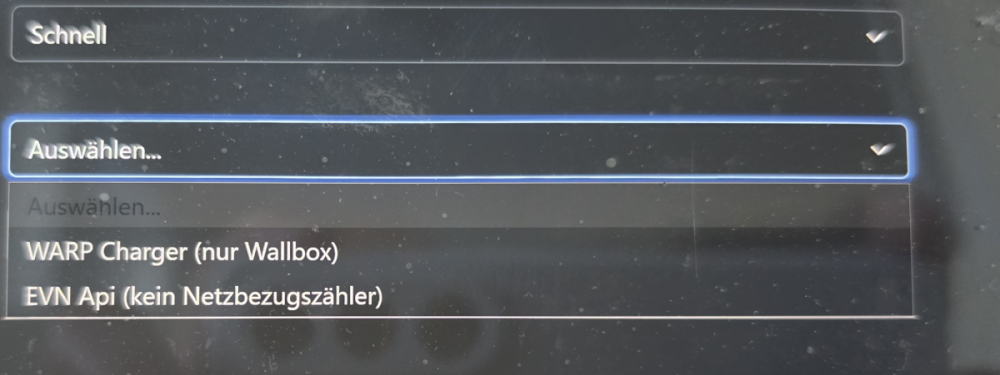
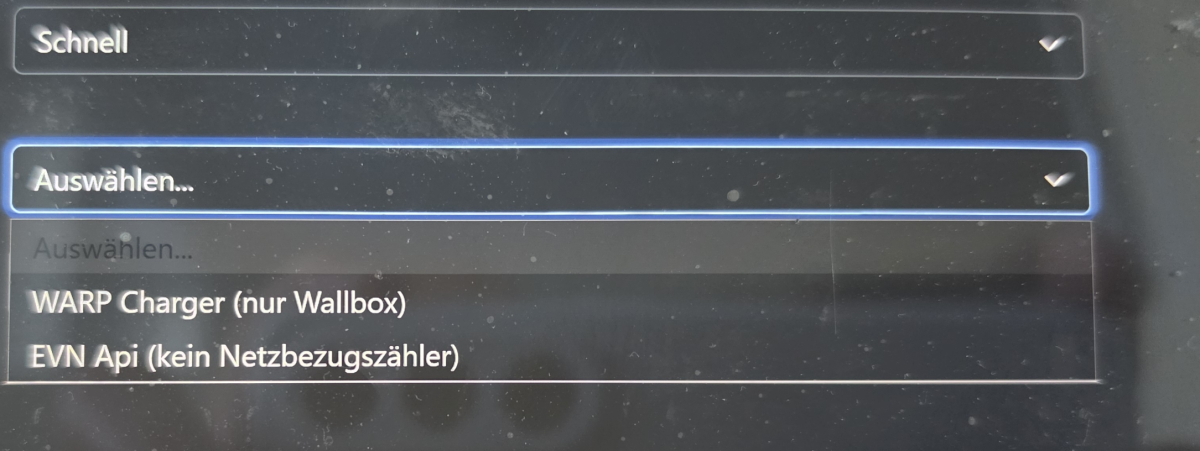
Dann werden die Werte nicht richtig zugeordnet. Mit der 2.9.0 funktionierte es auf jeden Fall. Die Einstellung bleiben, kann den Zähler aber noch immer nicht auswählen
-
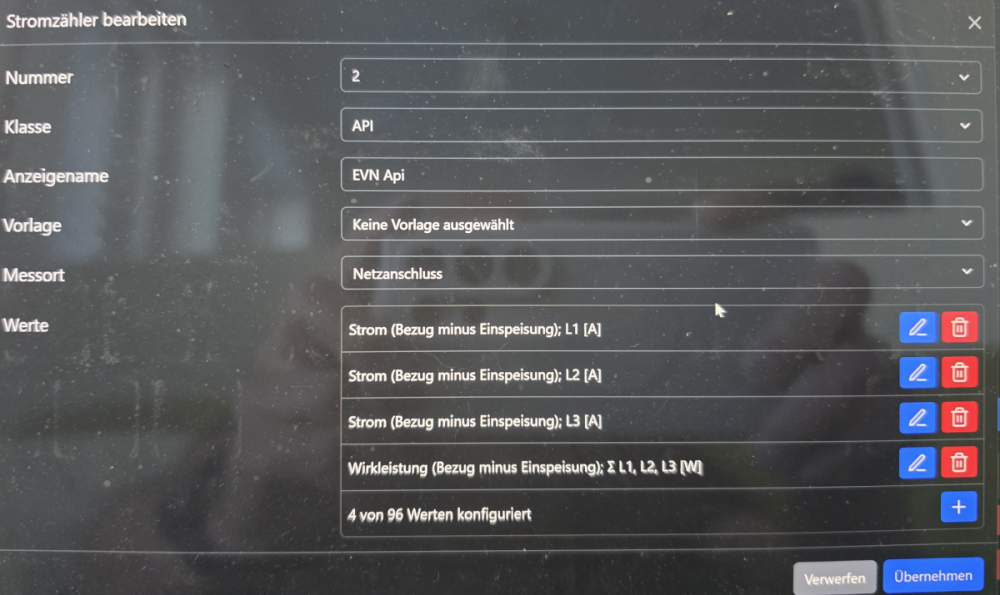
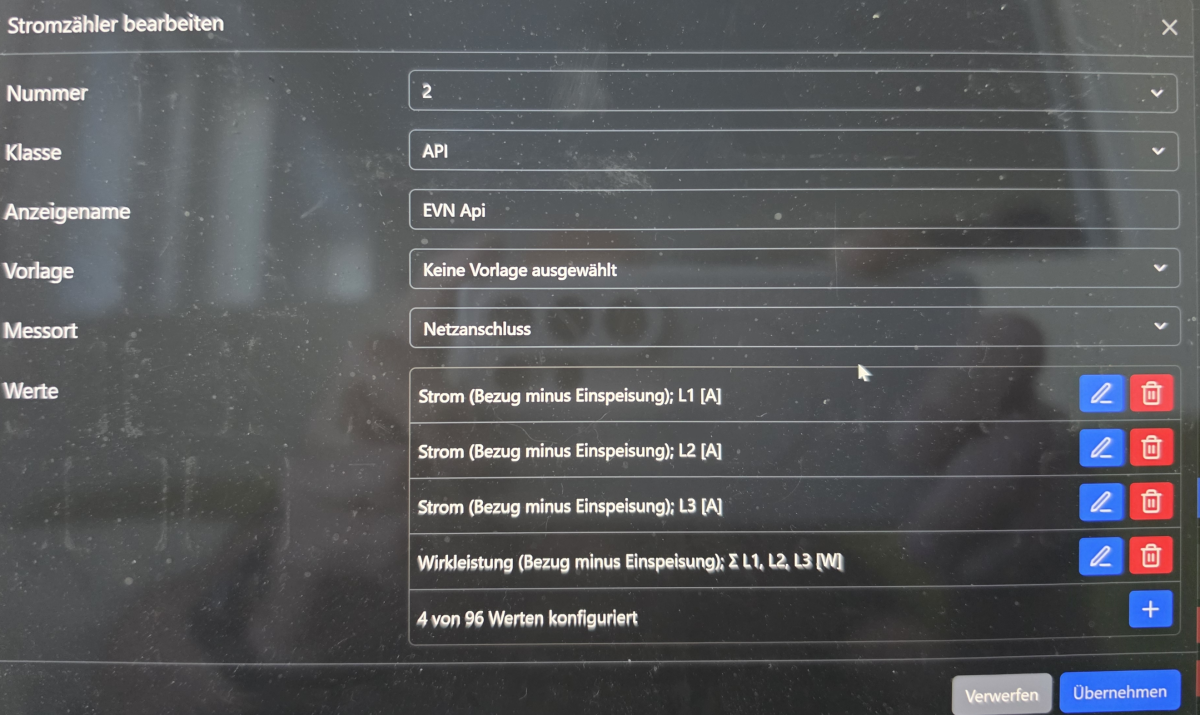
Stimmt aber dann trotzdem nicht, weil die Wirkleistung dann wieder an 4. Stelle ist. Da stimmt was nicht.

-
Wirkleistung muss der 1. Messwert sein - laut Vorlage
-
Ja. Schon ein paar mal Probiert. Beim "Dynamischen Lastmanagment" ist der Zähler ausgewählt.
-
Irgendwie scheint der Messort nicht wirklich gespeichert zu werden. Wenn man in den Zähler nochmal reinguckt, ist das wieder weg.
-
Anbei. warp3-2aZY-Debug-Report-2026-04-24T18-04-00-504.txt
-
Hi, ich hab einen Zähler der nennt sich EVN Api Zähler.