Superp
Members
-
Benutzer seit
-
Letzter Besuch
-
-
Yup, that version works fine for me.
-
Also comforting:
-
Same msg & works here too.
-
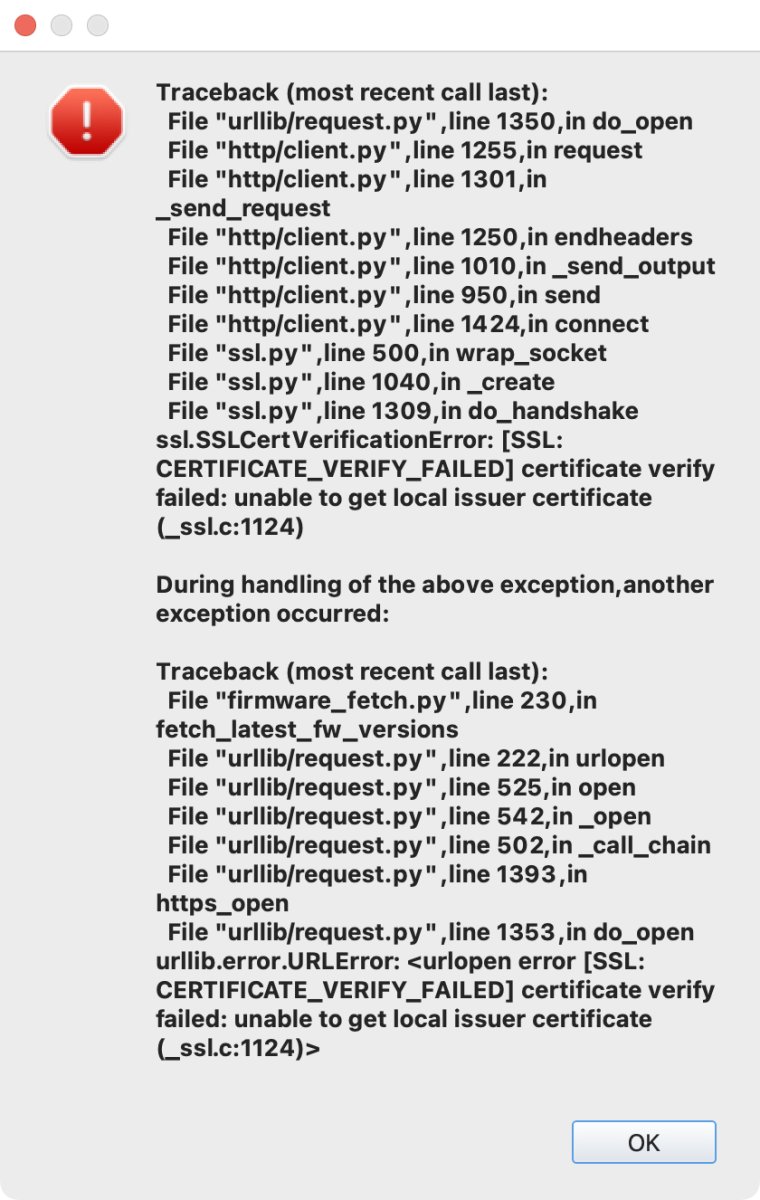
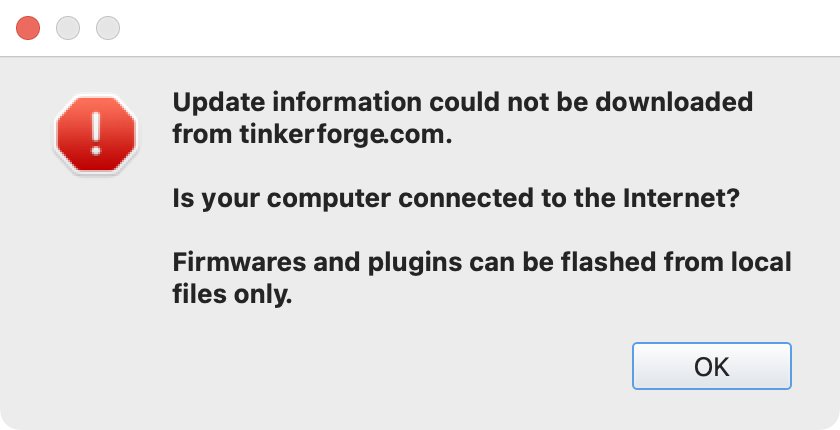
It reports an error. Click "OK" and it immediately returns, 3 times in total. The dialog below immediately appears 3-fold, stacked on top of each other:
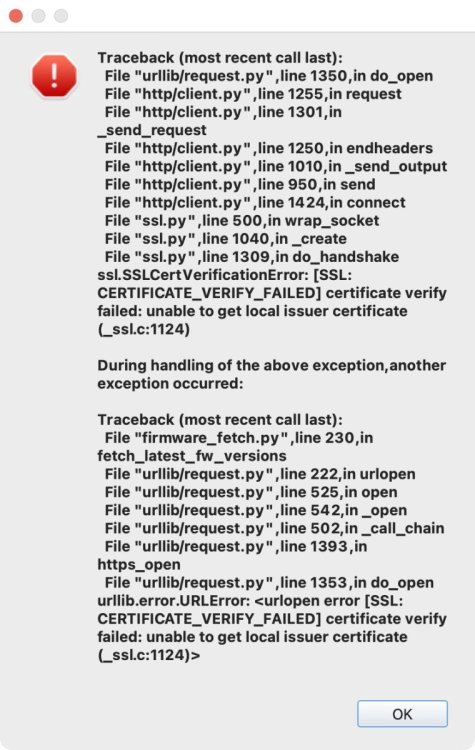
-
@photron I have tried getting this version of brickv running. No success. I basically do not know what I'm doing trying to "fix" errors with Python. Alternate approach: I have captured brickv's network traffic in a .pcap file, when it 1) Does a clean start 2) Fetches update data 3) Quits. The pcap file is in your email. Maybe it is helpful.
-
I am willing to try, and have checked out that branch. However, I have no experience with the Python toolchain and so far have not succeeded in getting this running. I'll try again later.
-
This is stderr for curl -v https://download.tinkerforge.com/latest_versions.txt 2> curl_stderr.txt : curl_stderr.txt
-
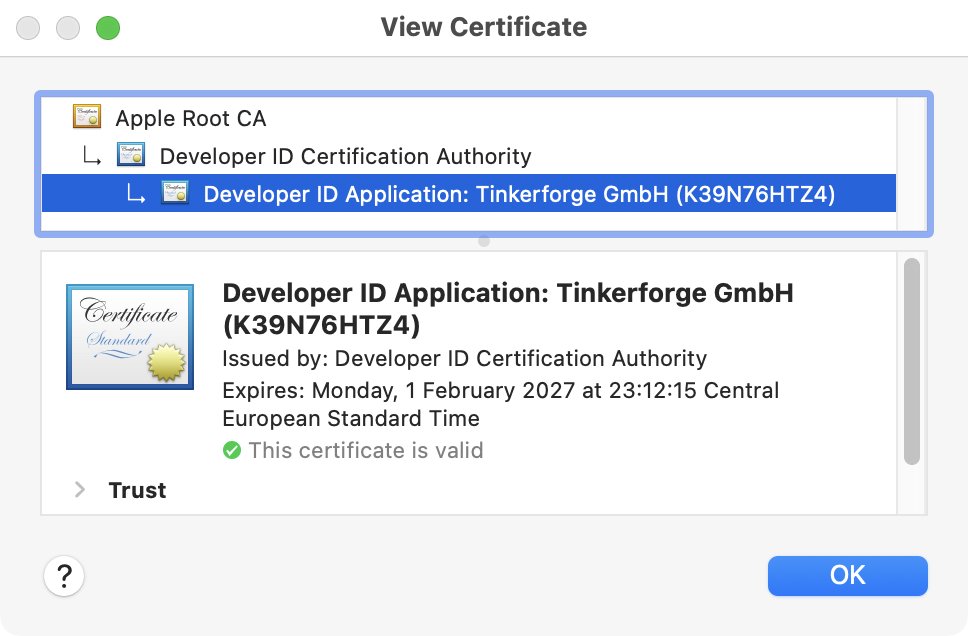
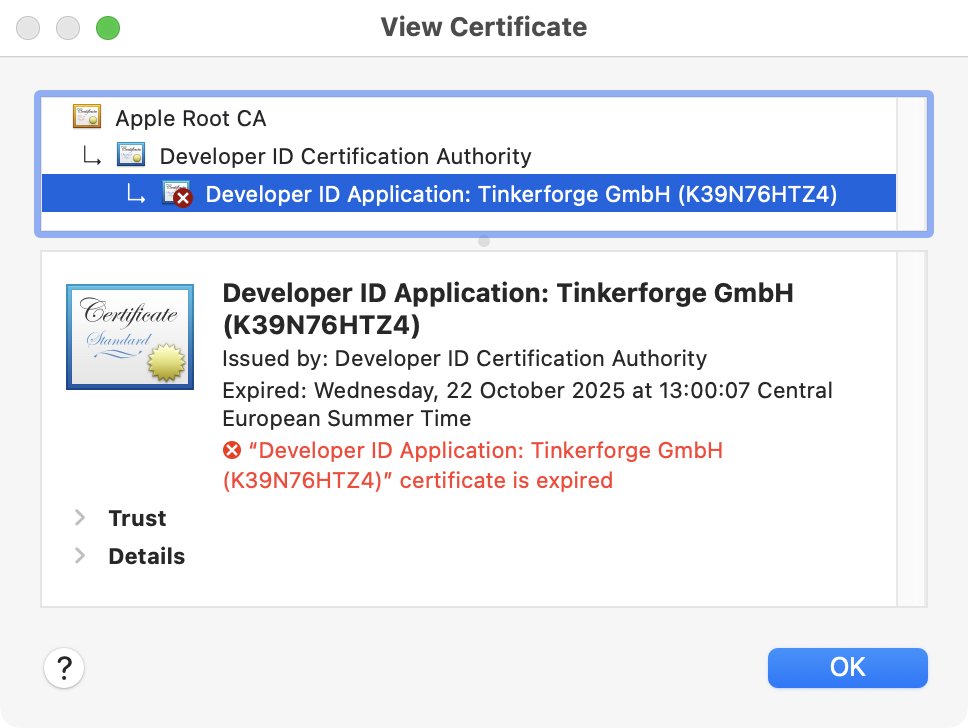
Hold your horses. That is not what happened. I ran into the above problem with Brickv and tried finding the cause. I did some digging and found your developer cert expired a few months ago. That's it: I did some digging. The expired developer certificate worries me a bit whether it is causing this trouble or not, but that is a different conversation. The URL "https://download.tinkerforge.com/latest_versions.txt" works fine with Safari, Curl, Wget, Python3, Ruby, and also Shortcuts. URL https://download.tinkerforge.com/ works too. Brickv reports an error.
-
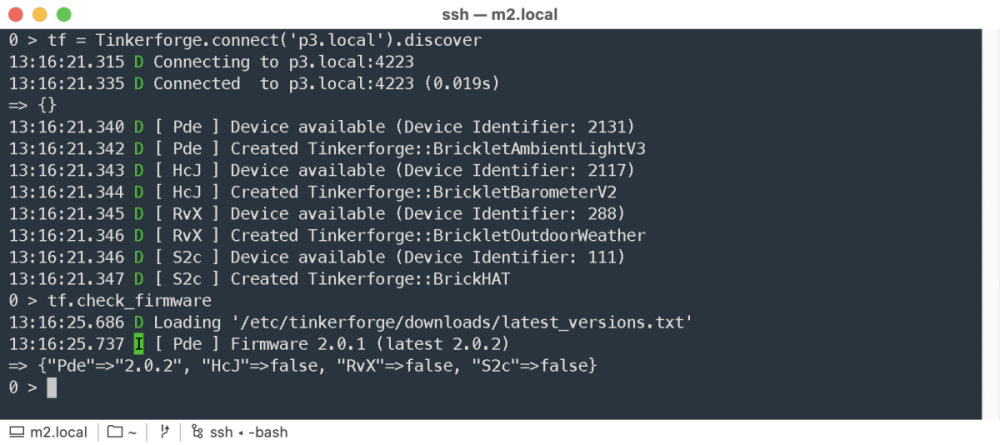
This morning I pushed an update that enables the Tinkerforge Ruby bindings to check firmware versions. To my surprise it immediately found a Bricklet with outdated firmware. For now it expects you to download latest_versions.txt yourself and put it in either ~/.config/tinkerforge/downloads or /etc/tinkerforge/downloads This is still somewhat experimental, your kilometrage may vary, etc. Feel free to port this code to your favourite programming language.
-
Completely removed Brickv 2.4.24 using Tinkertool → Rebooted → Installed Brickv 2.4.26 → Still the same problem.
-
Same here with Brickv 2.4.24. Weird, because version files seem to be fine here and here. Maybe a code signing thing with Apple? Update: it seems the developer certificate expired.
-
This is what I do: I keep a registry of all Tinkerforge devices in a YAML file: --- devices: 21LQ: inventory: name: GPS Bricklet 3.0 identifier: 2171 first seen: 2026-01-29 08:21:30 UTC last seen: 2026-01-29 08:21:30 UTC firmware: 2.0.0 connected: YwJ position: B host: esp1.local port: 4223 settings: fix_led_config: 1 status_led_config: 0 # 331 Lines skipped for brevity RvX: inventory: name: Outdoor Weather Bricklet identifier: 288 first seen: 2022-06-06 13:05:32 UTC last seen: 2026-01-28 08:14:32 UTC firmware: 2.0.4 connected: S2c position: c host: p3.local port: 4223 settings: status_led_config: 0 sensormap: 74: inside 61: outside 223: fridge # Et cetera...A little script regularly connects to all hosts, finds all devices through discovery, and updates the registry. Newly found devices automatically get added. Devices that stopped responding will have a stale 'last seen' value. YAML file sits in a Git repo.
-
Maybe AYCT–303, or Trust AYCT–102 ? Also see this list of devices that work but are not documented by Tinkerforge.
-
For those using Tinkerforge with Ruby and Tinderfridge: the Tinderfridge repository has moved from Github to Codeberg.